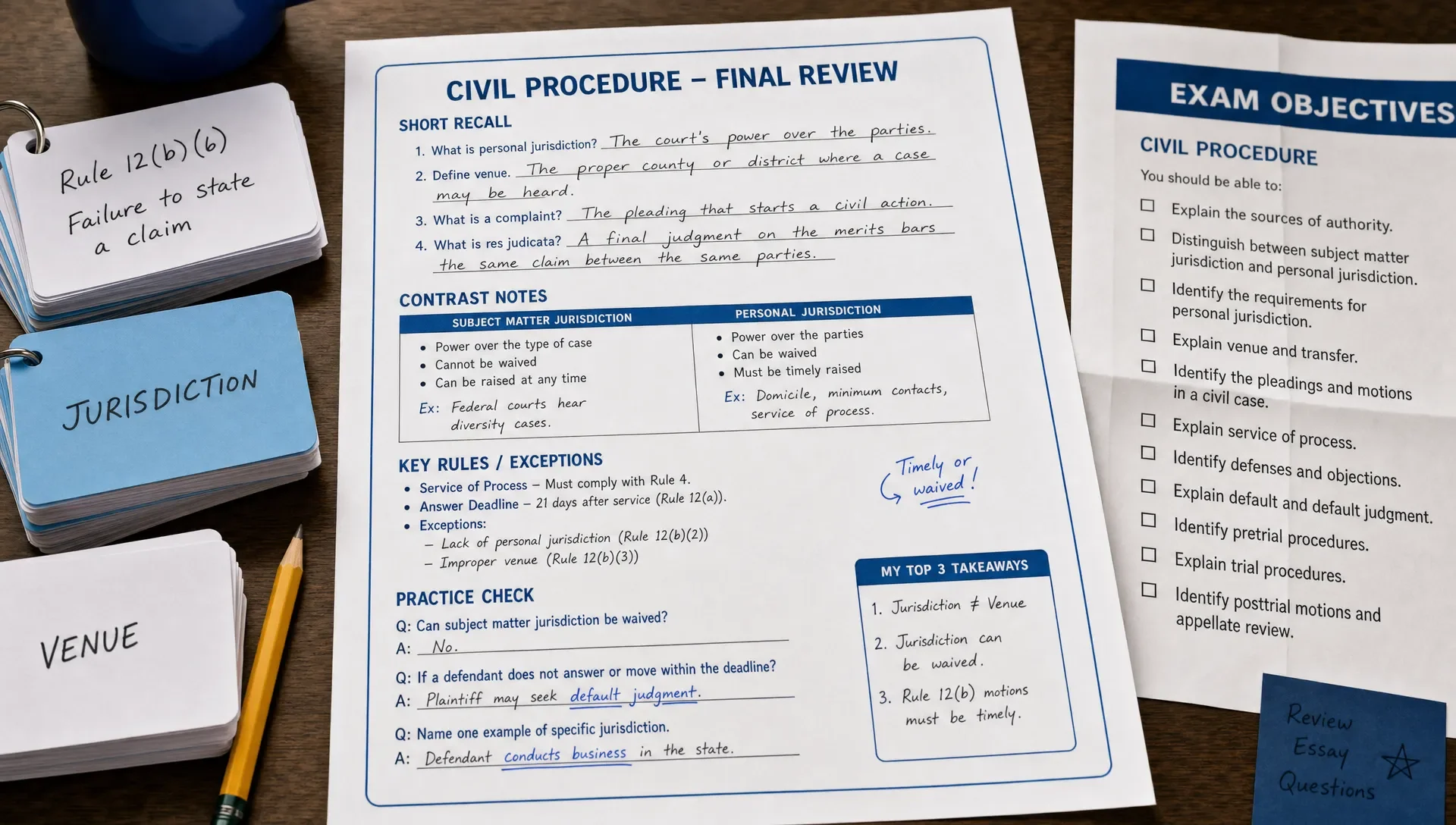
Study Sheets That Turn Exam Topics Into Quick Reviews
Study Sheets That Turn Exam Topics Into Quick Reviews
Study sheets are most effective when they condense a full exam blueprint into something you can review in 5 to 10 minutes. The trick is to prioritize. Start with the official exam objectives, then rewrite each topic as a recall prompt. Add only the minimum facts needed to answer likely questions, and leave space to capture mistakes you make during practice.
If your sheet reads like copied notes, it's too slow. A good certification review sheet helps you decide, explain, compare, calculate, or troubleshoot. Use it before practice questions, after you miss questions, and during your final week when you need quick retrieval instead of another long reread.
Why study sheets work for quick certification reviews
The goal isn't to cram an entire course onto one page. Instead, you're building a review tool that forces your brain to quickly retrieve the right ideas. This makes the sheet particularly useful for certification exams, where questions often test application rather than simple recognition.
The Institute of Education Sciences practice guide on improving learning recommends spaced study and testing to boost retention. Your review sheets should support both: brief sessions repeated over time, and prompts that make you answer before checking.
For IT, cloud, and project management exams, this approach is crucial because objectives cover a broad range. You might need to recall service names, command behaviors, security controls, process groups, network concepts, or scenario-based decision rules. A quick sheet helps you revisit these details without reopening every chapter.
Build study sheets from official exam objectives
Official objectives provide the most reliable starting point. They're the public outline of what the exam is designed to test. For instance, AWS publishes certification pages for exams like the AWS Certified Cloud Practitioner. Microsoft maintains role-based study guides, such as the AZ-900 study guide. CompTIA also offers exam objective resources on its certification pages.
Your study sheets shouldn't just list objectives verbatim. Translate each objective into the specific skill you're expected to demonstrate. If an objective asks you to "identify shared responsibility," your sheet should help you decide whether the customer or provider owns a task in a given scenario.
| Objective source | Sheet entry to create | How to prove you know it |
|---|---|---|
| Service or technology domain | One-line purpose and common use case | Choose the right service in a scenario |
| Security or governance topic | Ownership, risk, or control decision rule | Explain who is responsible and why |
| Networking or infrastructure concept | Key terms and traffic flow | Predict what happens when settings change |
| Project or process area | Trigger, output, and stakeholder impact | Pick the next best action |
If you need a more detailed setup process, MindMesh Academy offers a separate guide on how to turn official objectives into an exam study guide. Use that for building your full study structure, then use this article to create the quick-review layer.
What to put on a one-page review sheet
An effective sheet is selective. Include details that are easily confused, frequently tested, or essential for solving a scenario. Skip long explanations you already understand or can find elsewhere.
For study sheets, use four main blocks: recall prompts, decision rules, contrast pairs, and mistake notes. Recall prompts ask you to answer from memory. Decision rules help you choose between similar options. Contrast pairs separate terms that look alike. Mistake notes capture what your practice questions revealed.
| Section | Include | Cut |
|---|---|---|
| Recall prompts | Questions you can answer closed-book | Paragraphs copied from a guide |
| Decision rules | If-this-then-that exam logic | Vague definitions without use cases |
| Contrast pairs | Similar terms, services, or processes | Terms that are never confused |
| Mistake notes | Reasons you missed questions | Raw scores without diagnosis |
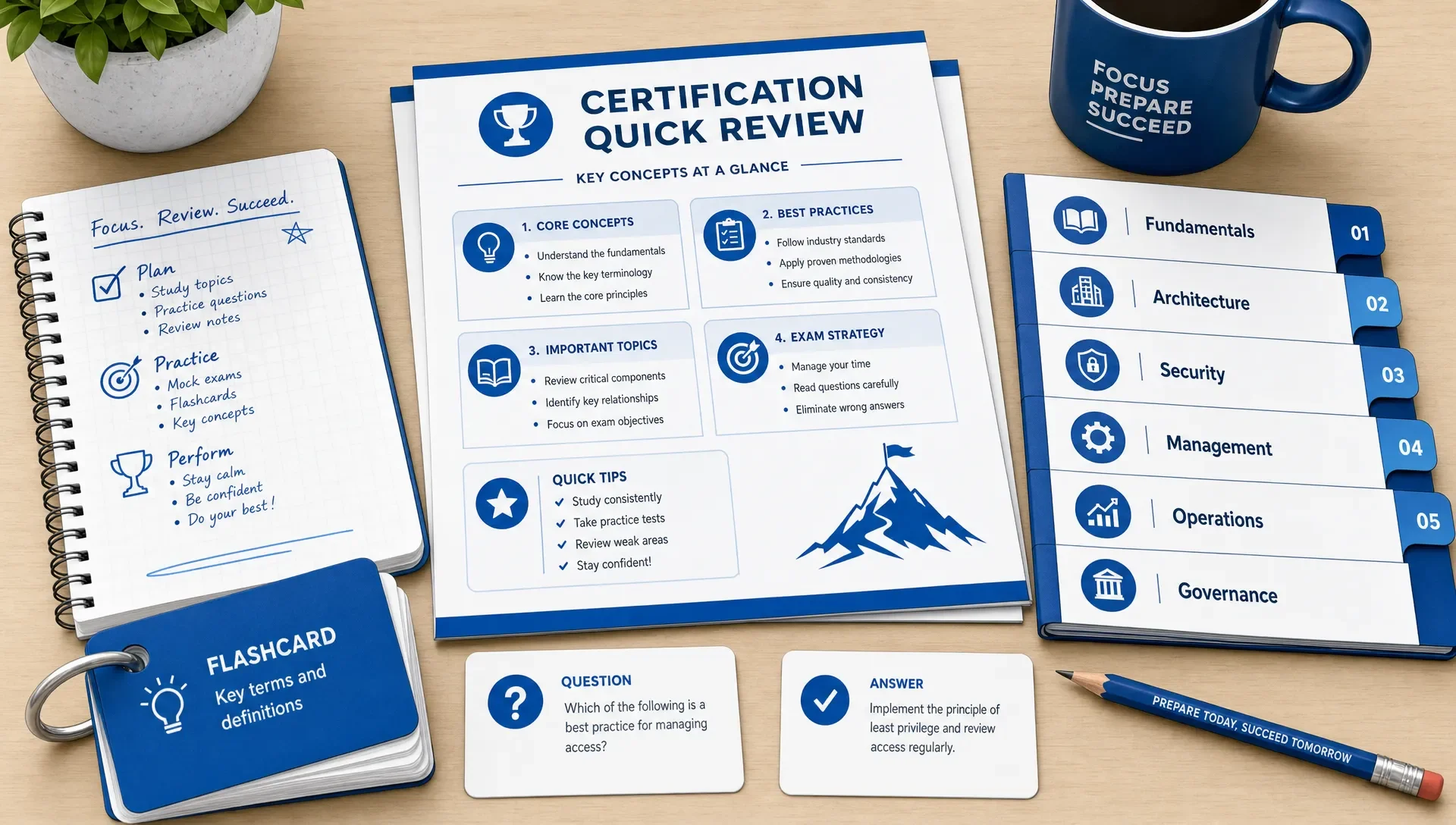
A useful one-page sheet can be handwritten, typed, or built in a notes app. The format matters less than the speed. If you can't scan it quickly and quiz yourself from it, it's too long. Reduce it.
Convert dense notes into active recall prompts
Most learners begin with notes that are too broad. To make them useful for fast review, rewrite statements as questions or incomplete decision prompts. Instead of writing, "Multi-factor authentication improves account security," try, "When should MFA be required, and what risk does it reduce?" This small change pushes you to retrieve the idea before seeing the answer.
Study sheets become more effective when every line prompts an action. For a cloud exam, the action might be to choose, classify, secure, or estimate. For a networking exam, it could be to identify the layer, predict the route, or troubleshoot the symptom. For project management, perhaps choose the next step or identify the stakeholder impact.
Here are some quick conversions that work well:
| Passive note | Quick-review prompt |
|---|---|
| Encryption at rest protects stored data | What does encryption at rest protect, and what does it not protect? |
| A subnet divides a network | Given two subnets, what problem does segmentation solve? |
| Risk responses include avoid, mitigate, transfer, and accept | Which response fits this scenario, and why? |
| IAM policies define permissions | Which permission is missing or excessive in this case? |
This is also why rereading feels productive but often yields poor results. If you want more examples, the MindMesh Academy article on study methods for exams that beat rereading explains how active recall, practice, and spacing work together.
Make different review sheets for different knowledge types
A single master sheet often becomes cluttered because not all exam content functions the same way. A sheet for definitions, one for comparisons, and another for processes should look different. For example, ports and protocols demand precise factual recall, while incident response or project change control require sequence and judgment.
Use separate study sheets when a domain involves a different mental task. This keeps each review fast and prevents a single page from becoming an overwhelming summary.
| Knowledge type | Best sheet format | Example prompt |
|---|---|---|
| Facts | Two-column recall table | Which port or protocol fits this service? |
| Comparisons | Side-by-side contrast | When would you choose option A over option B? |
| Processes | Ordered steps with decision points | What happens next after this trigger? |
| Scenarios | Condition plus action | Given this symptom, what is the best fix? |
| Calculations | Formula plus worked example | Which value changes the final answer? |
Keep each sheet focused on one topic group. A Security+ access control sheet, for instance, should not also include malware analysis, business continuity, and cryptography unless these items are directly linked by your study mistakes.
Use review sheets with practice questions
A sheet isn't the finish line. It's a tool you use both before and after answering questions. Before a question set, quickly scan the relevant sheet for a couple of minutes. Then close it and write down what you remember. Answer questions without looking at the sheet. Afterward, update the sheet only with points that caused hesitation or mistakes.
Study sheets are especially effective when you connect them to practice explanations. If you miss a question, don't just copy the correct answer. Add the rule that would help you solve the next similar question. This might be a scope rule, a service limit, a stakeholder priority, or a troubleshooting sequence.
For example, if you're preparing for Microsoft fundamentals, you can pair quick sheets with an objective-based AZ-900 Microsoft Azure Fundamentals study guide. If your current goal is security, review your sheets after a CompTIA Security+ practice exam and update them by domain.
The review process matters as much as the sheet itself. MindMesh Academy's guide to reviewing every practice exam answer better can help you turn both correct and incorrect answers into more effective review prompts.
A weekly routine for keeping sheets useful
You don't need to rebuild your review materials daily. A simple weekly routine keeps them accurate and prevents note bloat.
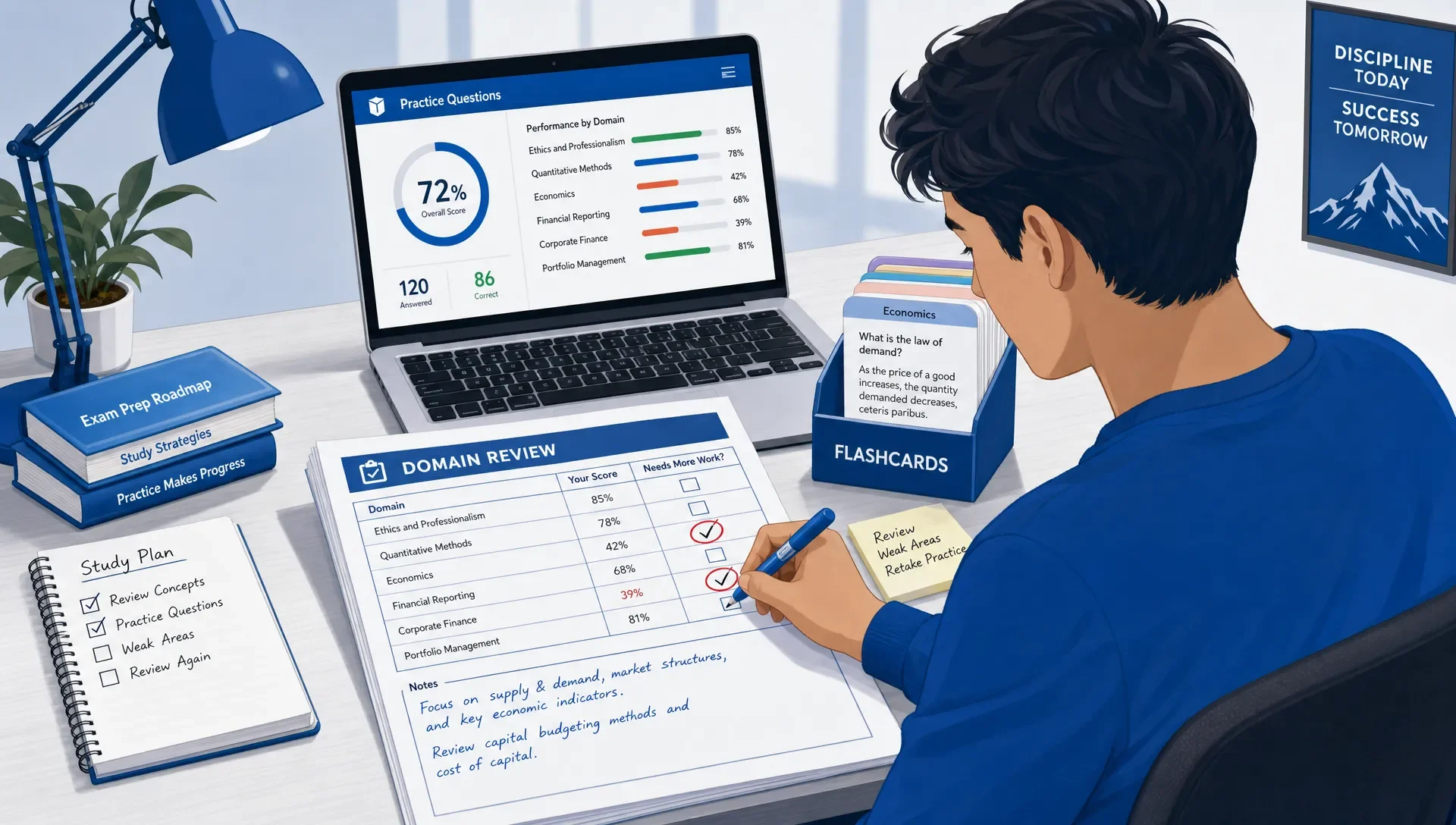
On your first study day of the week, choose one or two weak objectives and create or revise the matching sheet. Midweek, use the sheet for closed-book recall before answering questions. At the end of the week, remove anything that feels automatic and add only mistakes that repeated themselves.
For study sheets to remain fast, treat them as living review tools, not permanent archives. If a line no longer helps you answer questions, cut it. If a new mistake reveals a pattern, add the decision rule behind it.
| Weekly action | Time | Purpose |
|---|---|---|
| Create or revise one topic sheet | 20 minutes | Focus the week on a weak objective |
| Recall from the sheet closed-book | 10 minutes | Test memory before practice |
| Answer a targeted question set | 20 to 40 minutes | Apply the sheet under exam-like pressure |
| Update mistake notes | 10 minutes | Capture rules, not trivia |
| Trim mastered items | 5 minutes | Keep reviews quick |
This routine works best when your practice is tied to objective-level progress. MindMesh Academy supports this workflow with features like study guides organized by exam objectives, practice questions with explanations, spaced-repetition flashcards, adaptive weakness-based practice, and readiness tracking across certification paths.
Common mistakes that make sheets too slow
The most common problem is copying too much. If your sheet is simply a smaller version of a textbook page, it won't help you make decisions under time pressure. Replace descriptions with prompts and rules.
Another mistake is organizing by chapter instead of by exam objective. Certification questions don't care where you learned the topic. They care whether you can apply the objective. Group your sheets by domain, task, or decision type.
Avoid making study sheets only at the end of your preparation. If you wait until final review, you'll miss the best source of sheet content: your actual mistakes. Start early, then let practice questions shape what gets added.
Also, watch out for false confidence. A colorful sheet might feel familiar because you've looked at it many times. Close the sheet and try to explain the topic aloud, answer a question, or write the decision rule from memory. If you can't do that, the sheet needs stronger prompts.
Frequently Asked Questions
How many study sheets should I make for one certification exam? Make enough to cover weak or high-value objectives, not every page of your notes. Many learners find 8 to 15 focused sheets more effective than one giant packet.
Should review sheets be handwritten or digital? Use the format you'll actually review. Handwriting can slow you down in a useful way, but digital sheets are often easier to update after practice questions.
How long should each sheet take to review? Aim for 5 to 10 minutes per sheet. If it takes longer, split it by objective, task, or knowledge type.
Can I use quick sheets instead of flashcards? Use both when they serve different jobs. Sheets are good for connected ideas and decision rules, while flashcards are better for spaced repetition of focused facts.
When should I update my sheets? Update them after practice sets, especially when you miss a question, guess correctly, or take too long. Add the rule that would have made the answer obvious.
Turn quick reviews into a connected study workflow
Good review sheets help you stop aimlessly reviewing notes and start practicing what the exam truly tests. Build them from objectives, write them as recall prompts, revise them with insights from practice mistakes, and keep them short enough for frequent use.
To build on these strategies and test your understanding, prepare for your next certification with MindMesh Academy. Our platform offers objective-based practice questions with detailed explanations and readiness tracking to help you identify and address your weak areas. Take your study sheet methods to the next level and put your knowledge to the test with our AZ-900 Microsoft Azure Fundamentals practice exam.

Written by
Alvin Varughese
Founder, MindMesh Academy
Alvin Varughese is the founder of MindMesh Academy and an enterprise architecture leader. An electrical engineer by training, he moved from factory automation in South Africa to cloud architecture at GE Appliances and Humana (Fortune 50), and holds 20 professional certifications including AWS Solutions Architect Professional, Azure DevOps Engineer Expert, and Microsoft Agentic AI Business Solutions Architect. He built MindMesh Academy after interviewing too many highly certified candidates who couldn't answer basic questions: the goal is prep that makes you better at the job, not just able to pass the exam.