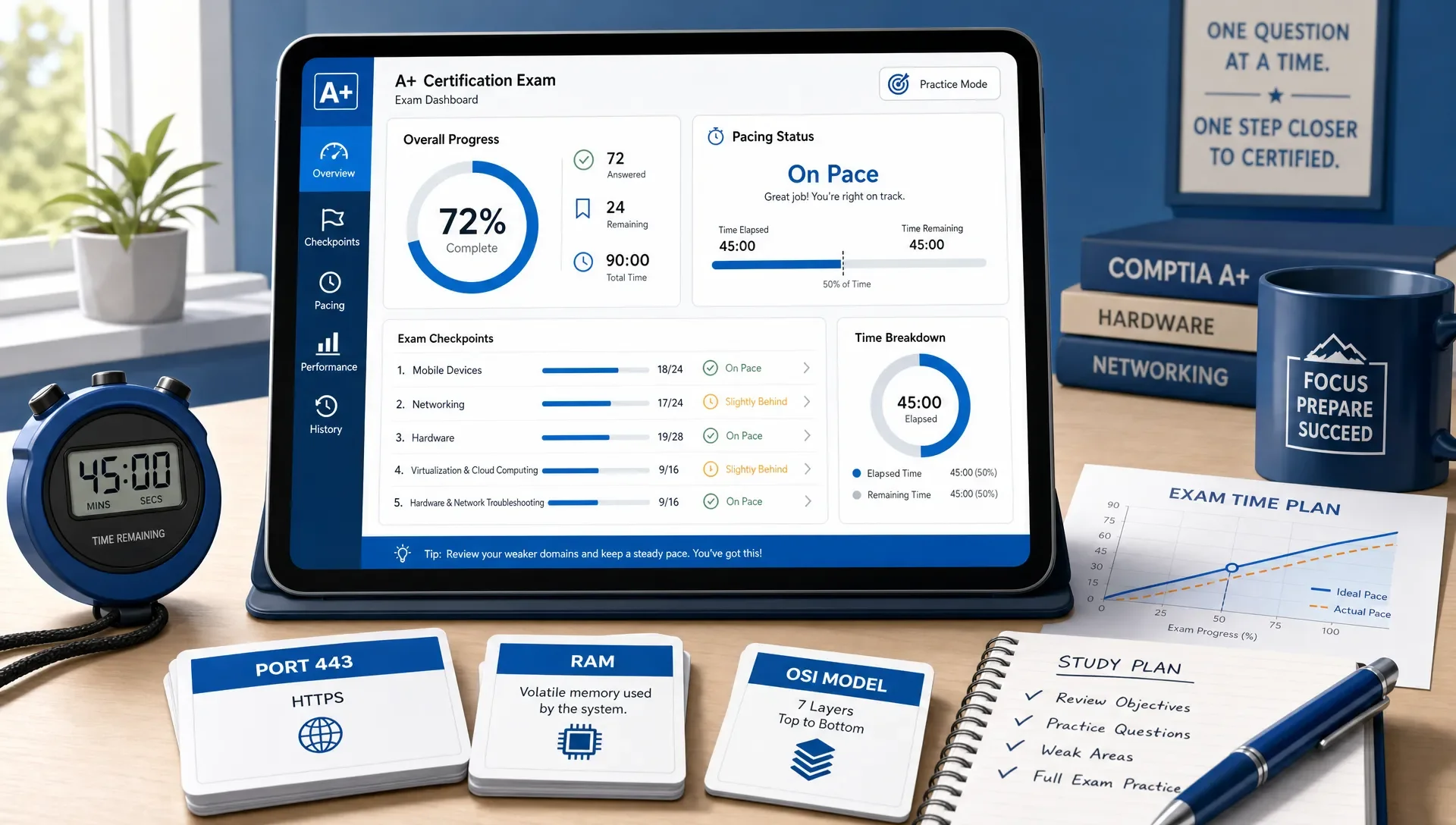
Practice A+ Certification Exam Timing Tips
Master Your Pace: Timing Tips for the CompTIA A+ Certification Exam
If you keep running out of time on CompTIA A+ practice tests, don't just study more content. Train your pacing. When you take a practice A+ certification exam, your goal is to prove two things: you know the material, and you can move through questions fast enough to finish with a calm review window.
Start with a simple rule: easy questions should take less than a minute. Scenario questions can take a little longer. Performance-based questions (PBQs) need a hard time limit. If you treat every question like it deserves the same amount of time, PBQs and wordy troubleshooting scenarios will quietly steal the exam from you.
How Much Time You Have on the CompTIA A+ Exam
The CompTIA A+ certification is split into two exams: Core 1 and Core 2. On the official CompTIA A+ certification page, CompTIA lists each exam as having up to 90 questions with a 90-minute duration. That means the basic math suggests about one minute per question.
But the real exam doesn't feel that simple. Some multiple-choice questions take 20 seconds because you know the command, connector, port, symptom, or policy immediately. Others take 90 seconds because you need to read a user scenario, identify the actual issue, eliminate two tempting answers, and choose the best next step.
Performance-based questions change the pacing even more. A PBQ may ask you to configure, match, arrange, troubleshoot, or complete a simulated task. If you spend eight minutes on one PBQ at the start, you may feel fine in the moment, but you've just borrowed time from eight later questions.
Use this as a starting timing budget during practice:
| Question type | Target time | What to do if you exceed it |
|---|---|---|
| Easy recall or definition question | 20 to 45 seconds | Answer and move on. Don't overexplain it to yourself. |
| Standard multiple choice troubleshooting question | 45 to 75 seconds | Pick the best answer once you've identified the symptom and likely cause. |
| Long scenario question | 75 to 120 seconds | Flag it if you're rereading the same sentence twice. |
| Performance-based question | 3 to 6 minutes | Make progress, then flag and return if you're stuck. |
| Final review of flagged questions | 5 to 10 minutes total | Change answers only when you find clear evidence. |
A timed CompTIA A+ practice exam is useful because it exposes your real pacing pattern. You may think you're slow at networking, for example, but the data may show that you're actually losing time on hardware scenarios, command-line questions, or PBQ-style tasks.
Use a Two-Pass Strategy for A+ Practice Exams
A two-pass strategy keeps one hard question from controlling the whole exam. The first pass is for points you can earn efficiently. The second pass is for questions that deserve deeper thought.
On the first pass, answer anything you can solve confidently without heavy rereading. If a PBQ looks familiar and you immediately know the workflow, complete it. If it looks complex, inspect it briefly, understand what it's asking, then flag it and move on. The key is to avoid emotional decision-making. Hard questions are allowed to wait.
On the second pass, return to flagged questions with reduced pressure. At that point, you've already banked your easier points. You can spend your remaining time on the questions that need careful reasoning.
This approach works especially well for A+ because the exam covers many small topics across hardware, networking, mobile devices, virtualization, operating systems, security, operational procedures, and troubleshooting. If one domain is your weak spot, you don't want it to block you from answering questions in stronger domains.
If your content knowledge is still uneven, review the exam objectives before doing more full simulations. MindMesh Academy's guide to the A+ domains by objective can help you connect timing problems to the actual Core 1 and Core 2 topics behind them.
Set Timing Checkpoints Before You Start
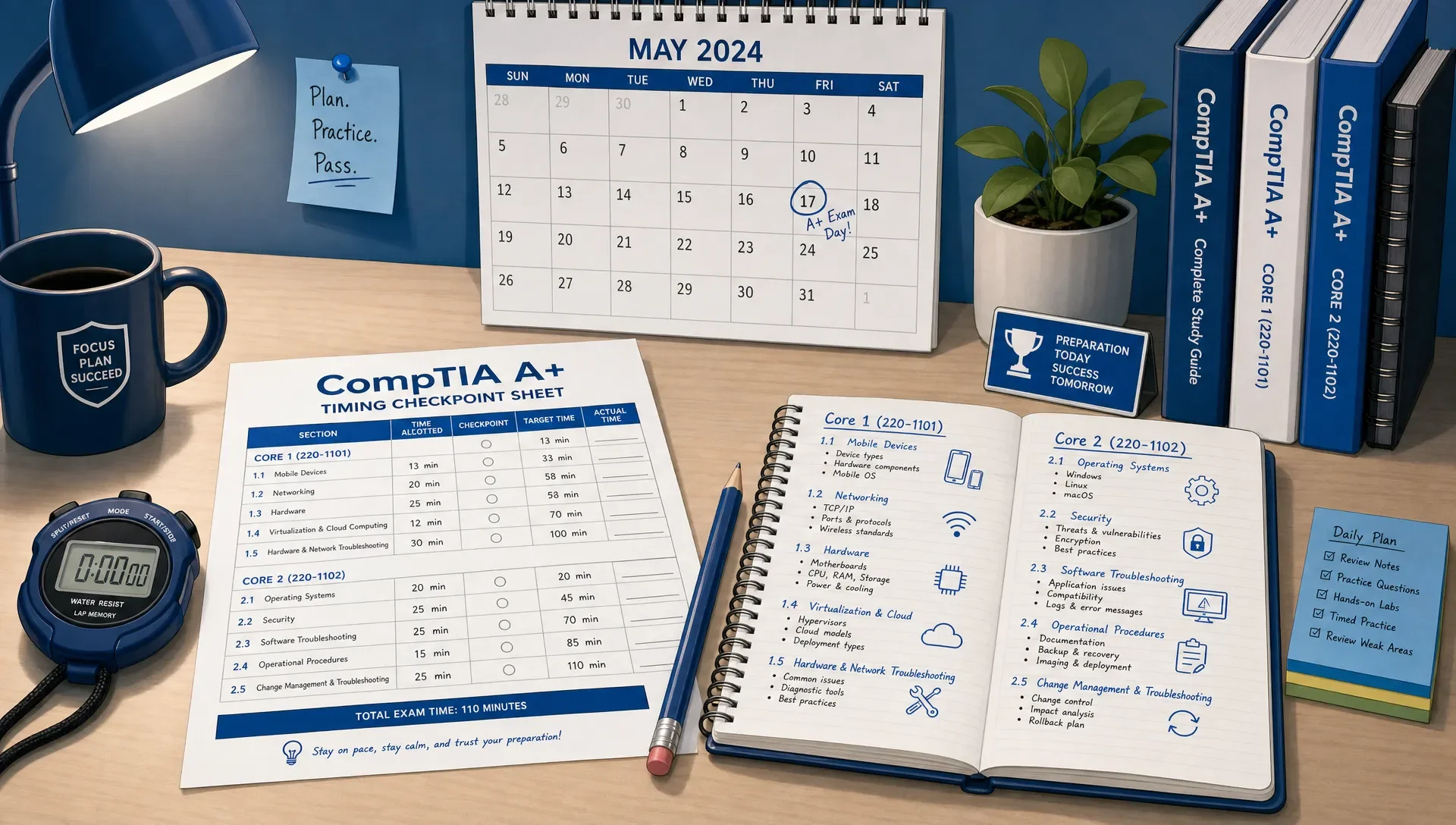
Don't wait until the last 10 minutes to discover that you're behind. Set checkpoints before the practice exam begins. Checkpoints work better than constantly staring at the clock because they give you a few clear moments to adjust your pace.
For a 90-minute practice exam, use percentages instead of only question numbers. The actual number of questions can vary, so percentage complete is more reliable. If your practice test has 80 questions, halfway is question 40. If it has 90 questions, halfway is question 45.
| Clock time remaining | Where you should be | What it means |
|---|---|---|
| 75 minutes left | Roughly 15% to 20% complete | You're warming up. Don't let early PBQs slow you down. |
| 60 minutes left | Roughly 30% to 40% complete | If you're behind, shorten your decision time on long scenarios. |
| 45 minutes left | Roughly 50% to 60% complete | You should be moving steadily, not still wrestling with early questions. |
| 30 minutes left | Roughly 70% to 80% complete | Start protecting time for unanswered and flagged questions. |
| 15 minutes left | All questions answered or nearly answered | Finish unanswered items before deep review. |
| 5 minutes left | Review only | Don't open a new debate unless you have a clear reason. |
When you practice, write these checkpoints on scratch paper or keep them beside you. After the test, compare your actual progress against the checkpoints. If you were on pace at 45 minutes but collapsed near the end, the issue may be fatigue. If you were behind by the first checkpoint, you may be overinvesting in early PBQs or reading every option too slowly.
Train Speed Without Training Carelessness
Speed practice doesn't mean guessing faster. It means recognizing question patterns sooner, reading with purpose, and making decisions without unnecessary rereading.
The best timing practice uses multiple session lengths. Full mock exams matter, but they aren't the only way to build speed. Short drills let you isolate a skill, review immediately, and repeat before fatigue takes over. That lines up with research on effective learning techniques: a major review in Psychological Science in the Public Interest found strong support for practice testing and distributed practice as high utility learning methods (Dunlosky et al., 2013).
Here's how to combine different practice lengths:
| Drill type | Length | Best use | Review focus |
|---|---|---|---|
| Sprint set | 10 minutes | Build quick recognition on familiar topics | Misses caused by hesitation or weak recall |
| Focused set | 20 to 30 minutes | Target one weak domain, such as networking or security | Patterns in wrong answers and slow answers |
| Mixed half exam | 40 to 50 minutes | Practice switching between domains | Timing checkpoints and mental stamina |
| Full simulation | 90 minutes | Rehearse test-day pacing | Endurance, PBQ timing, and review discipline |
If you only take full exams, you may waste energy proving the same weakness over and over. If you only take short quizzes, you may never build the stamina needed for the real testing window. Use both.
For more on using shorter timed sets without turning practice into random guessing, MindMesh Academy's article on short timed practice tests is a good next read.
Handle Performance-Based Questions Without Losing the Exam
PBQs are where many A+ candidates lose control of timing. They often look more intimidating than they are because the interface, instructions, and answer area take longer to process than a standard multiple-choice question.
Use a fixed PBQ routine during every practice A+ certification exam:
- Read the task first, not every object on the screen.
- Identify the required final result, such as configure, match, rank, troubleshoot, or select.
- Complete the parts you know immediately.
- Avoid perfecting small details if the main answer is already clear.
- Flag the question and return later if you're not making progress after your time limit.
The important part is consistency. You don't want test day to be the first time you decide how to handle PBQs. Practice the same routine until it feels automatic.
A common mistake is treating PBQs as all-or-nothing questions. Even when you aren't completely confident, enter what you can. You may earn credit for correct components, and you protect yourself from leaving the question blank because time ran out elsewhere.
Review Timing Mistakes After Every Practice Test
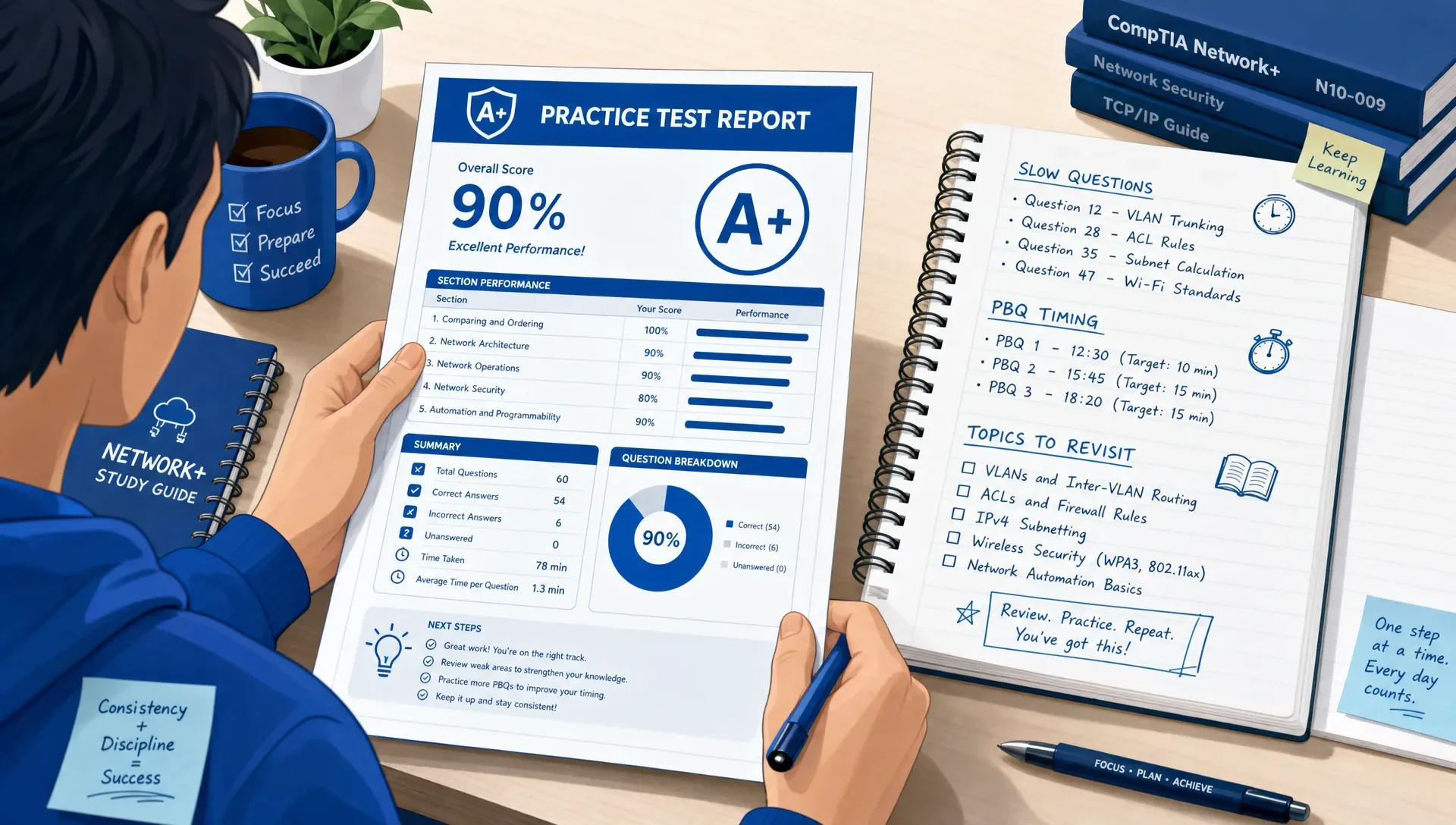
Your score tells you whether you passed that practice attempt. Your timing review tells you how to improve the next one.
After each timed test, mark every question that had a timing problem. Don't only review wrong answers. A question can be correct and still be a problem if it took three minutes when it should have taken 45 seconds.
Use this review table to classify what happened:
| Timing symptom | Likely cause | Fix before the next attempt |
|---|---|---|
| Correct but very slow | You knew the topic but lacked instant recognition | Add flashcards or quick drills for that fact pattern. |
| Wrong and very fast | You guessed from a keyword instead of reading the scenario | Slow down on questions with symptoms, user roles, or constraints. |
| Wrong and slow | Content gap plus uncertainty | Return to the objective in your study guide before more testing. |
| PBQ consumed too much time | No exit rule | Set a 3 to 6 minute cap and flag earlier. |
| Changed correct answers during review | Second-guessing without evidence | Change answers only when you can point to a missed requirement. |
| Several unanswered at the end | Checkpoints failed | Practice with 15 minute checkpoint reviews. |
This is where a connected study workflow helps. If a slow question reveals a weak topic, don't just say, "I need to study networking." Identify the exact objective, review it, answer a few targeted questions, then reinforce it with flashcards. MindMesh Academy supports that kind of loop with study guides by exam objectives, practice explanations, spaced repetition flashcards, adaptive weakness-based practice, and readiness tracking.
If you're still deciding what to practice with, this comparison of CompTIA A+ practice test options can help you choose resources that fit your current stage.
Build a One-Week A+ Timing Tune-Up Plan
If your exam is close, don't try to rebuild your entire study plan. Use one week to tune pacing, patch the most expensive weaknesses, and rehearse your test-day rhythm.
| Day | Main task | Timing goal |
|---|---|---|
| Day 1 | Take a timed baseline set or half exam | Find where time is leaking. |
| Day 2 | Review slow and missed questions | Separate content gaps from pacing habits. |
| Day 3 | Do a focused drill on the weakest domain | Improve recognition speed. |
| Day 4 | Practice PBQ-style tasks and long scenarios | Apply a hard exit rule. |
| Day 5 | Take a full timed simulation | Hit all checkpoints without rushing blindly. |
| Day 6 | Review explanations and use flashcards | Reinforce missed facts and procedures. |
| Day 7 | Take a lighter mixed set | Build confidence and avoid burnout. |
This kind of plan works because it doesn't confuse activity with progress. You're not just taking more tests. You're making each practice attempt produce a specific pacing improvement.
For the content side of the plan, a structured CompTIA A+ study guide helps you review by exam objective instead of bouncing between random topics.
What To Do If You Are Running Out of Time
Even with good practice, you may hit a rough patch. Maybe a PBQ takes longer than expected. Maybe several troubleshooting scenarios appear back to back. Your response matters.
First, stop trying to solve every hard question perfectly. Move into point protection mode. Answer questions you can still solve quickly, flag anything that needs deep thought, and make sure you don't leave reachable points behind.
Second, simplify the reading process. On scenario questions, identify the user problem, the environment, and the requested action. Then eliminate answers that don't match the task. Don't reread the entire prompt unless the answer choices force you to.
Third, protect the final five minutes. At that point, unanswered questions matter more than polishing a question you've already answered. An unanswered question can't earn credit, so make your best supported choice if time is expiring.
Finally, don't let one bad practice score convince you that you're not ready. Look at the pattern. If you finished on time but missed one domain, that's a knowledge issue. If you knew the content but left 10 questions unanswered, that's a timing system issue. Those require different fixes.
Frequently Asked Questions
How long should I spend on each question in a practice A+ certification exam? If your practice exam has a 90-minute limit and up to 90 questions, the average is about one minute per question. In practice, aim for 20 to 45 seconds on easy questions, 45 to 90 seconds on standard scenarios, and a hard cap of about 3 to 6 minutes for PBQs.
Should I answer A+ performance-based questions first or last? Inspect them early, but don't let them trap you. If you know exactly what to do, complete the PBQ. If it looks complex, flag it, bank easier points first, and return with your remaining time.
How many timed A+ practice exams should I take before test day? Most learners benefit from a mix of short timed drills, half exams, and a few full 90-minute simulations. The goal isn't a magic number. The goal is consistent pacing, fewer repeated mistakes, and readiness across the exam objectives.
Is it better to practice untimed before using a timer? Use untimed practice when you're learning a new topic for the first time. Once you understand the basics, switch to timed practice so you can build recall speed and test-day decision habits.
Why do I run out of time even when I know the material? Usually, it's overreading, spending too long on PBQs, changing answers without evidence, or failing to skip hard questions on the first pass. Track slow correct answers as well as wrong answers so you can see the full pattern.
What should I review after a timed A+ practice test? Review missed questions, slow questions, flagged questions, and any topic that caused hesitation. Then connect each issue to a specific objective, practice that objective, and reinforce it with flashcards or targeted questions.
Practice A+ Timing Until It Feels Routine
Good pacing is a skill, not a personality trait. You build it by practicing under realistic limits, reviewing why time was lost, and repeating the process with better rules.
If you're ready to refine your timing for the CompTIA A+ certification, MindMesh Academy helps you pinpoint weaknesses with adaptive practice. You'll find detailed explanations and performance tracking to help you build confidence. Start with a CompTIA A+ Core 1 practice exam, review the slow spots, and make your next attempt more controlled than the last.

Written by
Alvin Varughese
Founder, MindMesh Academy
Alvin Varughese is the founder of MindMesh Academy and an enterprise architecture leader. An electrical engineer by training, he moved from factory automation in South Africa to cloud architecture at GE Appliances and Humana (Fortune 50), and holds 20 professional certifications including AWS Solutions Architect Professional, Azure DevOps Engineer Expert, and Microsoft Agentic AI Business Solutions Architect. He built MindMesh Academy after interviewing too many highly certified candidates who couldn't answer basic questions: the goal is prep that makes you better at the job, not just able to pass the exam.