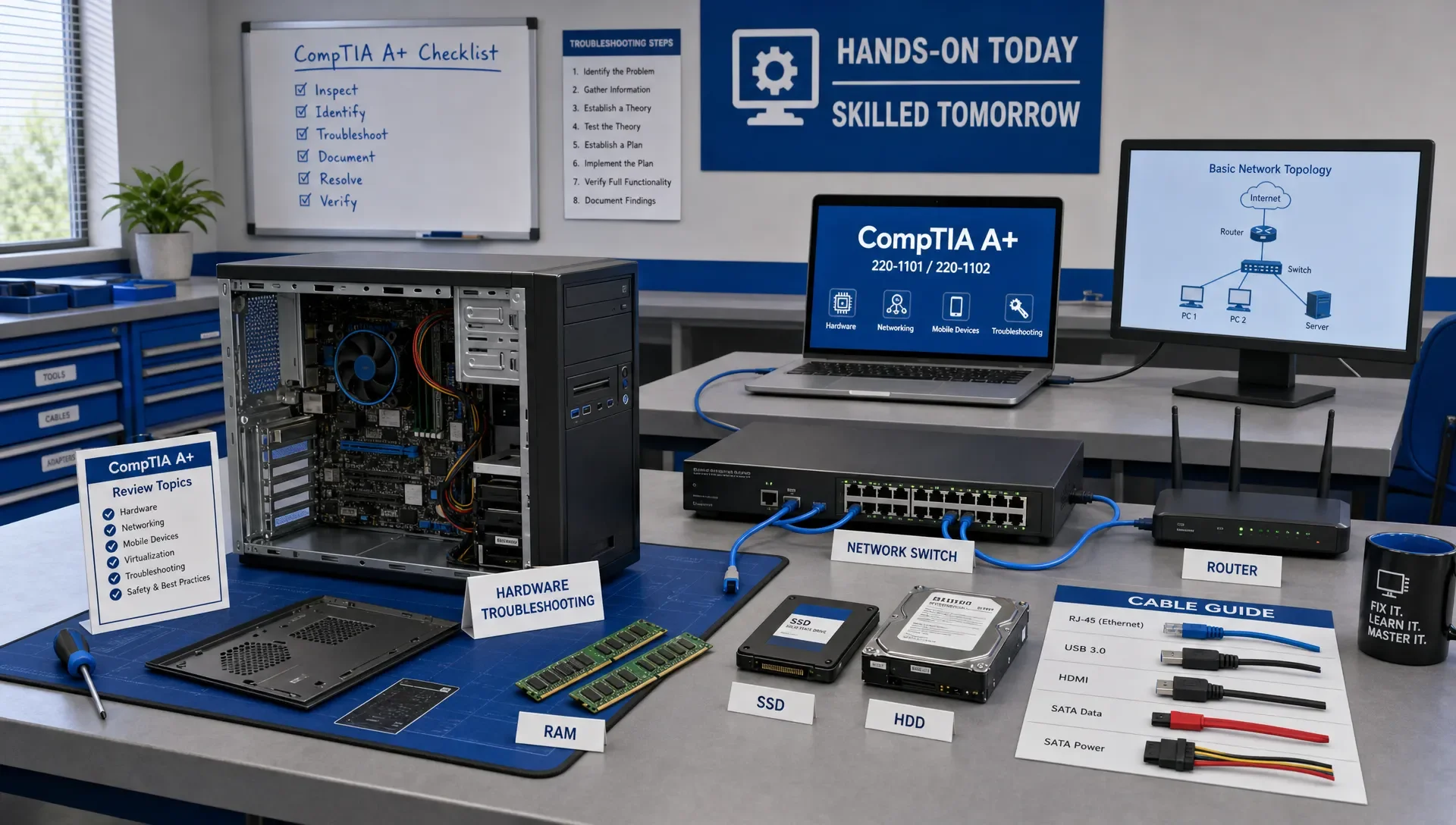
CompTIA A+ Certification Study Guide by Exam Domain
CompTIA A+ Certification Study Guide by Exam Domain
If you're preparing for CompTIA A+, organize your study around the exam domains, not around random chapters or long video playlists. A domain-based plan shows you what matters most, where you need hands-on practice, and which weak areas can cost you points on test day.
This CompTIA A+ study guide acts as a working checklist for Core 1 and Core 2. Start with the domain weights, study each objective group in order, test yourself with explanations, then loop back through your weakest topics until your scores and your reasoning are both consistent.
CompTIA A+ Exam Domains and Weights
To earn your CompTIA A+ certification, you must pass two exams: Core 1 and Core 2. Core 1 focuses on hardware, networking, mobile devices, cloud, virtualization, and troubleshooting. Core 2 focuses on operating systems, security, software troubleshooting, and operational procedures.
According to CompTIA's official A+ certification page, the current exams, 220-1201 (Core 1) and 220-1202 (Core 2), include multiple-choice and performance-based questions. Each exam allows up to 90 questions and gives you 90 minutes. Always confirm the exact exam codes and objectives before you schedule, especially if you're using older materials.
| Exam | Domain | Weight | What this means for your study plan |
|---|---|---|---|
| Core 1 | Mobile Devices | 13% | Know laptops, mobile hardware, accessories, displays, and mobile networking basics. |
| Core 1 | Networking | 23% | Spend serious time on ports, protocols, wireless, SOHO setup, IP addressing, and network tools. |
| Core 1 | Hardware | 25% | Build fluency with components, storage, RAM, printers, power, cables, and connectors. |
| Core 1 | Virtualization and Cloud Computing | 11% | Understand VM requirements, cloud concepts, client-side virtualization, and resource planning. |
| Core 1 | Hardware and Network Troubleshooting | 28% | Practice diagnosing failures, not just naming parts. This is the largest Core 1 domain. |
| Core 2 | Operating Systems | 31% | Master Windows, macOS, Linux, command-line tools, installation, and system management. |
| Core 2 | Security | 25% | Know threats, access control, malware response, wireless security, and hardening basics. |
| Core 2 | Software Troubleshooting | 22% | Diagnose OS, application, mobile, and security-related symptoms. |
| Core 2 | Operational Procedures | 22% | Understand documentation, professionalism, safety, change management, backups, and scripting basics. |
These percentages should shape your study time, but they shouldn't make you ignore smaller domains. Virtualization and cloud may represent only 11% of Core 1, but missing those questions can be the difference between passing and needing a retake, especially if your troubleshooting skills are only average.
Core 1 Study Guide by Domain
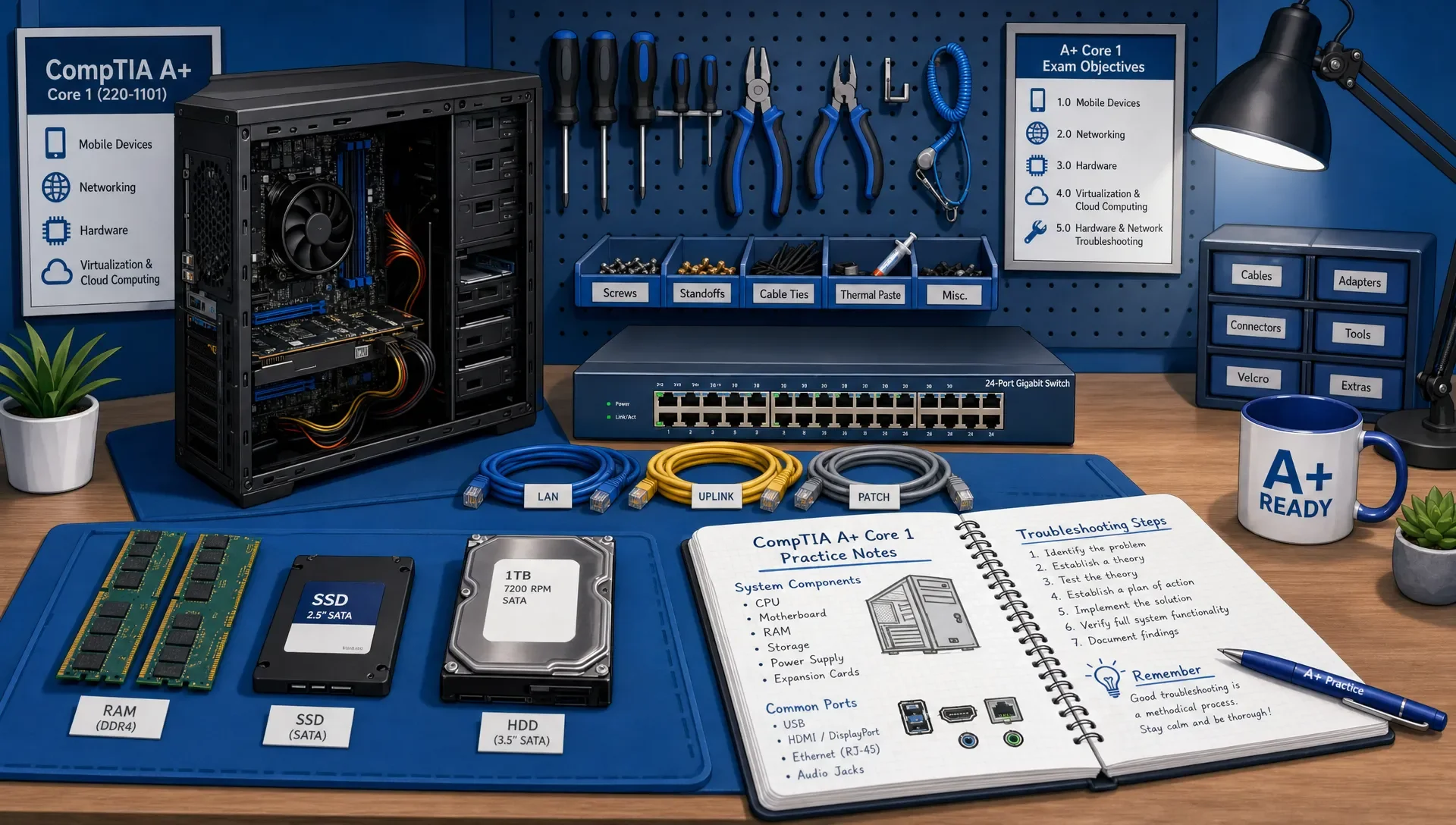
Core 1 is the more physical and infrastructure-focused half of A+. If you've built PCs, installed printers, replaced laptop parts, or configured a home router, you'll recognize many topics. If you're new to IT, this exam is where hands-on practice matters most.
Mobile Devices: Learn Parts, Connections, and Configuration
For mobile devices, focus on how laptops and other mobile hardware are assembled, connected, and serviced. You should identify common laptop components, understand display types, explain docking stations and port replicators, and recognize mobile accessories.
Don't stop at just naming parts. Practice the kinds of decisions a technician makes: when to replace a keyboard, how to connect external displays, how to troubleshoot weak wireless connectivity, and how to configure common mobile device settings. If a term appears in the objectives, ask yourself what symptom it might cause if it fails.
Networking: Move Beyond Port Memorization
Networking is one of the most critical Core 1 domains. Yes, you need to know common ports and protocols, but simply memorizing a port table isn't enough. You also need to understand what happens when DNS fails, when DHCP doesn't assign an address, when a device gets an APIPA address, or when a user connects to the wrong wireless band.
Study SOHO router configuration, wireless encryption, IP addressing basics, cable types, connectors, network devices, and command-line troubleshooting tools. A good test of readiness is whether you can explain the difference between a switch, router, modem, firewall, and access point without looking at your notes.
Hardware: Build a Mental Map of the PC
Hardware isn't just vocabulary. You need to understand how the motherboard, CPU, RAM, storage, power supply, cooling, expansion cards, display output, and peripherals work together. If a computer powers on but doesn't boot, you should know which components and symptoms to check first.
Printers deserve special attention. Many candidates underestimate them because printer questions can feel old-fashioned, but A+ still expects you to know printer types, consumables, maintenance, symptoms, and troubleshooting steps. Laser printers, inkjet printers, thermal printers, and impact printers each fail in different ways.
Virtualization and Cloud Computing: Know the Technician View
A+ doesn't expect you to be a cloud architect, but it does expect you to understand everyday virtualization and cloud concepts. Know what a hypervisor is, what resources a virtual machine needs, and why RAM, CPU, storage, and network configuration affect VM performance.
For cloud, focus on the practical differences among cloud models and services. You should be comfortable with terms like SaaS, IaaS, PaaS, public cloud, private cloud, hybrid cloud, rapid elasticity, metered utilization, and shared resources. Tie each term to a real support scenario so it doesn't become abstract trivia.
Hardware and Network Troubleshooting: Practice the Process
This is the largest Core 1 domain, and it rewards methodical thinking. The exam may describe a symptom, give you partial information, and expect you to choose the best next step. That means you need to know the troubleshooting methodology and apply it under time pressure.
Practice with scenarios such as no display, no boot, overheating, intermittent wireless, printer streaking, IP conflict, failed cable, slow network performance, and a device that can't reach the internet. For each scenario, write down the likely causes, the first test you would run, and the safest fix.
Core 2 Study Guide by Domain
Core 2 shifts from devices and networks to the operating system, security, software support, and the habits expected from an IT professional. If Core 1 asks whether you can identify and troubleshoot technology, Core 2 asks whether you can support users safely and consistently.
Operating Systems: Know Windows First, But Don't Ignore Linux and macOS
Operating Systems is the largest Core 2 domain. You need a strong working knowledge of Windows editions, installation methods, file systems, system utilities, control panels, settings, command-line tools, boot options, and recovery methods.
Windows will take most of your study time, but don't treat Linux and macOS as throwaway topics. Know basic Linux commands, file permissions at a high level, common macOS features, and cross-platform support concepts. The exam can test whether you recognize the right tool for the right operating system.
Security: Think Like a Frontline Defender
A+ security focuses on the technician's role in preventing and responding to common problems. Study malware types, phishing, social engineering, wireless encryption, password policies, multifactor authentication, account permissions, device hardening, physical security, and basic incident response.
The key here is judgment. If a user reports browser pop-ups, a suspicious email, or a lost device, what should you do first? If a small office uses weak Wi-Fi security, what setting improves it? If a shared workstation exposes sensitive data, what control reduces risk? Security questions often test safe prioritization.
Software Troubleshooting: Read Symptoms Carefully
Software troubleshooting overlaps with operating systems and security, but the emphasis is on diagnosing symptoms. You may encounter issues like slow performance, application crashes, boot errors, missing services, mobile app failures, failed updates, pop-ups, or browser redirection.
Create a symptom notebook while you study. For each issue, list the likely cause, the tool you would use, and the fix you would try. This turns passive reading into decision practice, which is closer to how A+ questions are written.
Operational Procedures: Study the Professional Rules
Operational Procedures is easy to underestimate because it feels less technical. Don't make that mistake. This domain covers documentation, ticketing, change management, safety, environmental handling, privacy, professionalism, communication, backups, remote access, and basic scripting concepts.
The exam expects you to act like a reliable technician. That means you don't delete data before checking backup requirements, you don't make undocumented changes, and you don't talk down to users. Operational judgment matters because entry-level IT work is as much about trust and process as it is about tools.
How to Turn Exam Domains Into a Weekly Study Plan
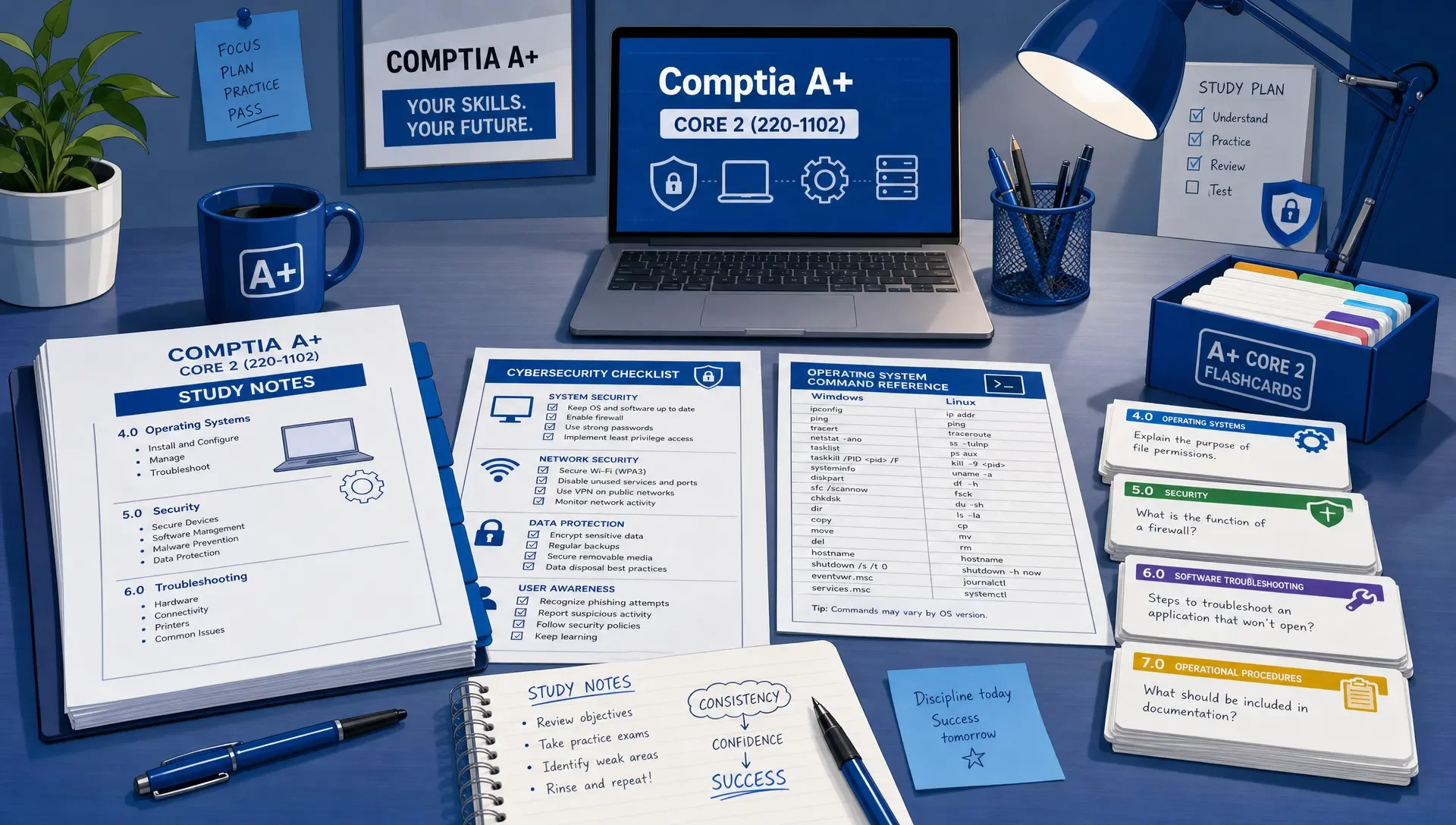
A domain-based study plan works best when it adapts to your performance. Good education design has always depended on feedback, challenge, and learner ownership. You can see the same principle in personalized learning environments like Colegio Pioneros Costa's adaptive learning model, where progress depends on knowing the learner and adjusting support. For A+ prep, apply that idea with a simple loop: learn the domain, answer questions, review explanations, retest weak topics, then move forward.
Here is a practical structure you can compress or expand depending on your background:
| Phase | Main focus | What to produce before moving on |
|---|---|---|
| Baseline | Take a short diagnostic across both exams | A ranked list of weak domains. |
| Core 1 build | Mobile devices, networking, hardware, virtualization, cloud | Notes, flashcards, and hands-on checks for each domain. |
| Core 1 troubleshooting | Hardware and network troubleshooting | Scenario practice with clear first steps and likely causes. |
| Core 2 build | Operating systems and security | Command practice, security decision practice, and OS comparison notes. |
| Core 2 support skills | Software troubleshooting and operational procedures | A symptom notebook and process checklist. |
| Final review | Mixed practice and readiness checks | Stable scores by domain, not just one good overall score. |
If you want a broader schedule with more detail, this full CompTIA A+ study guide can help you map objectives into a complete prep timeline.
How to Practice Each A+ Domain Without Memorizing Blindly
Memorization has a role in A+. You do need to know ports, connector types, command names, malware categories, and OS tools. But the exam usually rewards applied recall, not isolated facts. The best question to ask after every topic is: what would this look like in a support ticket?
Use flashcards for facts that must be recalled quickly, such as ports, protocols, commands, printer steps, cable types, wireless standards, and security terms. Use practice questions for decision-making. Use hands-on labs or simple home setups for hardware, networking, operating systems, and troubleshooting.
Performance-based questions need special preparation. Don't try to predict exact PBQs. Instead, practice tasks that build the same skills: configure a basic wireless network, match symptoms to failed components, choose command-line tools, identify motherboard parts, troubleshoot a printer issue, and select the safest next step in a security scenario.
How to Know You're Ready for the A+ Exams
A single high practice score can be misleading if it comes from repeated questions. Readiness means you can explain why the right answer is right and why the wrong answers are wrong. It also means your weakest domains are no longer dragging down your overall performance.
| Readiness signal | What it tells you | What to do next |
|---|---|---|
| Your domain scores are balanced | You aren't relying on one strong area to cover a weak one. | Keep mixing questions across both exams. |
| You can explain answers without notes | You understand the concept, not just the wording. | Review any answer you guessed correctly. |
| Troubleshooting questions feel methodical | You're applying process instead of reacting to keywords. | Practice longer scenarios and PBQ-style tasks. |
| You finish practice sets with time left | Your recall is becoming efficient. | Add mixed timed practice. |
| You track recurring mistakes | Your study is becoming adaptive. | Retest only the weak objectives until they improve. |
When you're ready for timed review, use a realistic CompTIA A+ practice exam and review every explanation, including the questions you answered correctly. If you're comparing different question sources, this breakdown of CompTIA A+ practice test resources can help you choose practice that matches how you study.
Frequently Asked Questions
Which CompTIA A+ exam should I study first, Core 1 or Core 2? Most learners start with Core 1 because hardware, networking, and troubleshooting create a foundation for support work. If you already have strong hardware experience but weak operating system knowledge, starting with Core 2 can also make sense. The better choice is the exam where your diagnostic score shows the clearest path to improvement.
How long does it take to study for CompTIA A+? It depends on your experience. Someone who has built PCs, configured routers, and supported Windows may need a shorter review cycle. A complete beginner may need several months of steady study and hands-on practice. Use domain scores rather than calendar time to decide when you're ready.
Can I succeed on the CompTIA A+ exam by memorizing ports, commands, and definitions? Memorization alone is risky. You need fast recall for facts, but you also need to apply those facts to scenarios. For example, knowing that DNS uses port 53 is useful, but you also need to recognize when a name resolution issue is causing a user to lose access to websites.
Do I need hands-on equipment for CompTIA A+? You can learn many concepts through diagrams and simulations, but hands-on practice helps a lot. If possible, open an old desktop, identify parts, install an operating system in a virtual machine, configure a home router, connect peripherals, and practice basic command-line tools.
How should I review weak A+ domains? Don't reread everything. First, identify the exact objective causing trouble. Then review a short explanation, create flashcards for the facts, answer targeted questions, and write down why you missed each item. Retest the same domain later so you're using spaced repetition instead of cramming.
Build a Domain-Based A+ Study Workflow
CompTIA A+ covers a lot of ground, but it becomes manageable when you study by domain, practice with explanations, and track your readiness by topic. When you're ready to put your knowledge to the test, MindMesh Academy offers practice questions with detailed explanations and adaptive tools to target your weak areas.
Start building your foundation for Core 1 with our MindMesh Academy CompTIA A+ Core 1 practice exam.

Written by
Alvin Varughese
Founder, MindMesh Academy
Alvin Varughese is the founder of MindMesh Academy and an enterprise architecture leader. An electrical engineer by training, he moved from factory automation in South Africa to cloud architecture at GE Appliances and Humana (Fortune 50), and holds 20 professional certifications including AWS Solutions Architect Professional, Azure DevOps Engineer Expert, and Microsoft Agentic AI Business Solutions Architect. He built MindMesh Academy after interviewing too many highly certified candidates who couldn't answer basic questions: the goal is prep that makes you better at the job, not just able to pass the exam.