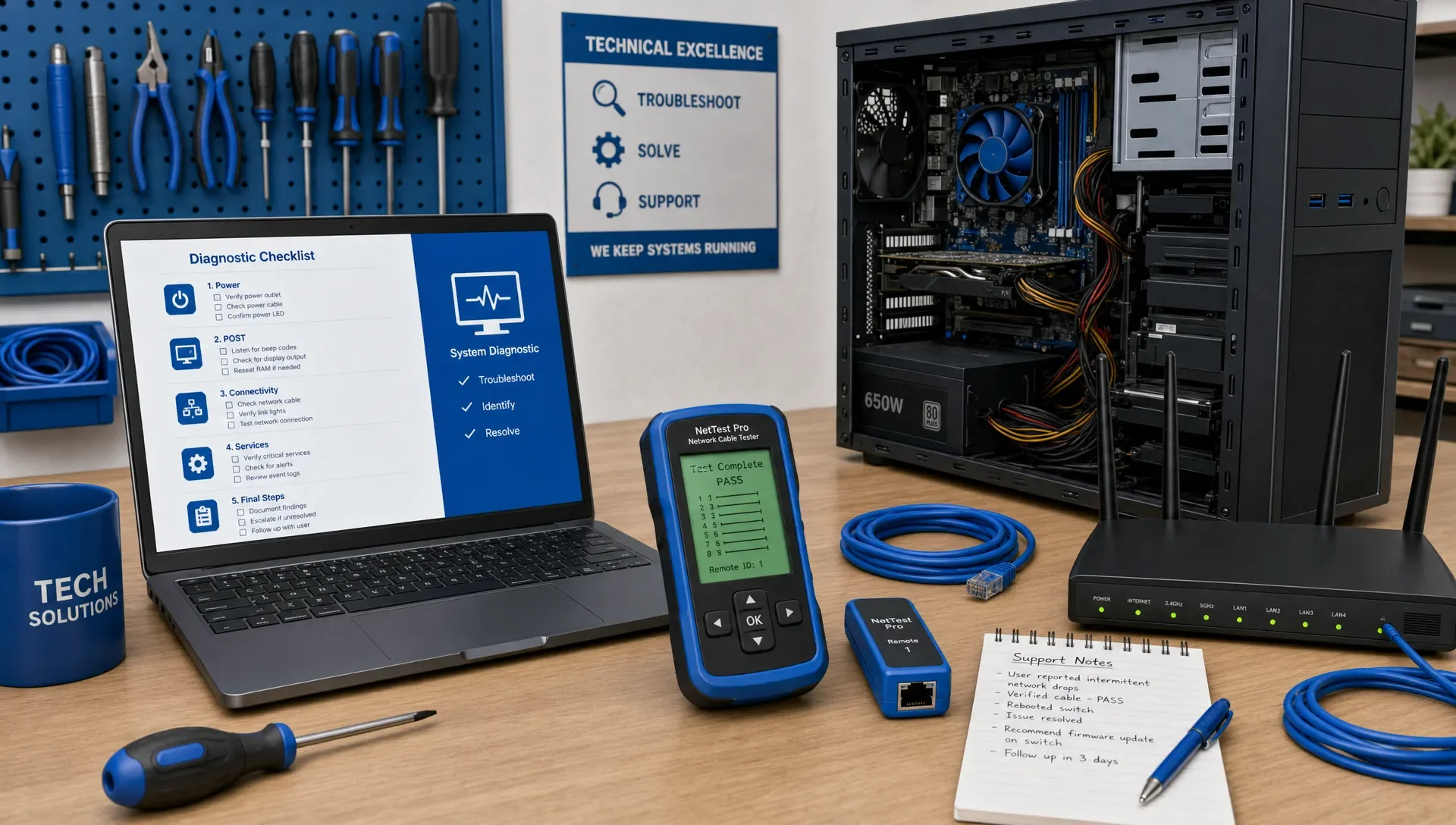
What the CompTIA A+ Certification Test Really Measures
What the CompTIA A+ Certification Test Really Measures
If you're preparing for the CompTIA A+ certification, don't just study acronyms, cable types, and port numbers. The exam measures your ability to think like an entry-level IT support technician: diagnose symptoms, choose a safe next step, apply security habits, and explain why a fix works.
This perspective should change how you prepare. You still need to know facts, but your best study plan connects each fact to a support scenario. When you review an objective, ask what problem it helps you solve. When you miss a practice question, identify the decision you failed to make, not just the definition you forgot.
What CompTIA A+ Validates
The CompTIA A+ certification focuses on foundational IT support. According to the official CompTIA A+ certification page, candidates must pass two exams, each with multiple-choice and performance-based questions, to earn the credential. CompTIA also designs A+ for candidates with hands-on lab or field experience, which tells you something important: the exam isn't purely academic.
Practically, the test checks if you can support common workplace technology without needing constant guidance. This includes devices, operating systems, basic networking, security, cloud and virtualization concepts, troubleshooting, documentation, and professional procedures.
The specific exam codes and objectives can change. Always verify the current CompTIA objectives before you schedule. However, the underlying measurement stays consistent: can you apply foundational IT knowledge under realistic constraints?
Core 1 and Core 2: Different Types of IT Thinking
A+ splits into Core 1 and Core 2 because entry-level support requires varied skills. Hardware troubleshooting, operating system support, security hygiene, and customer-facing procedures all involve different thought processes.
| Exam area | What it measures | Example of the thinking required |
|---|---|---|
| Core 1 device and hardware topics | Understanding physical components and device behavior | A user reports no display after moving a workstation. What should you check first? |
| Core 1 networking and cloud topics | Connecting symptoms to connectivity, services, and infrastructure basics | A laptop connects to Wi-Fi but can't reach internal resources. What's the likely next check? |
| Core 1 troubleshooting | Isolating causes instead of guessing fixes | A printer works locally but not for network users. Where does the fault probably sit? |
| Core 2 operating systems | Navigating, configuring, and repairing common OS environments | A user profile loads slowly after a change. What tool or setting helps narrow the cause? |
| Core 2 security and operations | Protecting systems while supporting users | A user clicks a suspicious link. What is the safest immediate response? |
For a more detailed breakdown of the official domains, MindMesh has a separate CompTIA A+ certification study guide by exam domain. This article focuses on the deeper point: what those domains aim to prove about your readiness.
The Test Measures Troubleshooting Judgment, Not Just Definitions
A beginner might memorize that DNS resolves names to IP addresses. A support technician hears that a user can reach a site by IP address but not by domain name and immediately suspects name resolution. That difference is at the core of the CompTIA A+ certification test.
Many A+ questions use scenarios with symptoms. The wording might include a user complaint, a recent change, an error message, or a partial configuration. Your job is to decide what matters and what is just noise. This is why two people can know the same glossary terms but perform very differently on the exam.
| If you study only by memorizing | What the exam usually rewards |
|---|---|
| Matching terms to definitions | Connecting a symptom to the most likely cause |
| Recognizing a tool name | Knowing when to use the tool and what result to expect |
| Learning one fix per problem | Choosing the best next step based on risk and sequence |
| Reading questions quickly | Slowing down enough to catch constraints and qualifiers |
| Reviewing only correct answers | Understanding why wrong answers are wrong |
The words first, next, best, most likely, and safest matter. A question may include several technically possible actions, but only one fits the sequence. For example, replacing hardware might eventually solve an issue, but the best first step may be checking a cable, confirming power, reviewing a recent change, or reproducing the problem.
This isn't trickery. It's how real support works. Good technicians don't start with the most dramatic fix. They reduce uncertainty while protecting the user's data, time, and security.
Performance-Based Questions (PBQs) Measure Hands-On Translation
Performance-based questions, or PBQs, clearly move the exam beyond simple recognition. A PBQ might ask you to interact with a scenario, place items in the right order, match settings, or apply a configuration concept. The exact format varies, but the goal is consistent: can you translate knowledge into action?
For example, it's one thing to know that a device needs a valid IP configuration. It's another to look at a small network scenario and identify an incorrect gateway, subnet, DNS setting, or connection path. It's one thing to memorize malware response steps. It's another to sequence containment, remediation, and documentation in a way that protects the environment.
A common mistake is saving PBQ practice until the final week. This creates a disconnect between learning and doing. Instead, pair each topic with a task. When you study storage, identify symptoms of drive failure. When you study wireless, compare authentication settings and interference clues. When you study Windows tools, know what problem each tool helps you investigate.
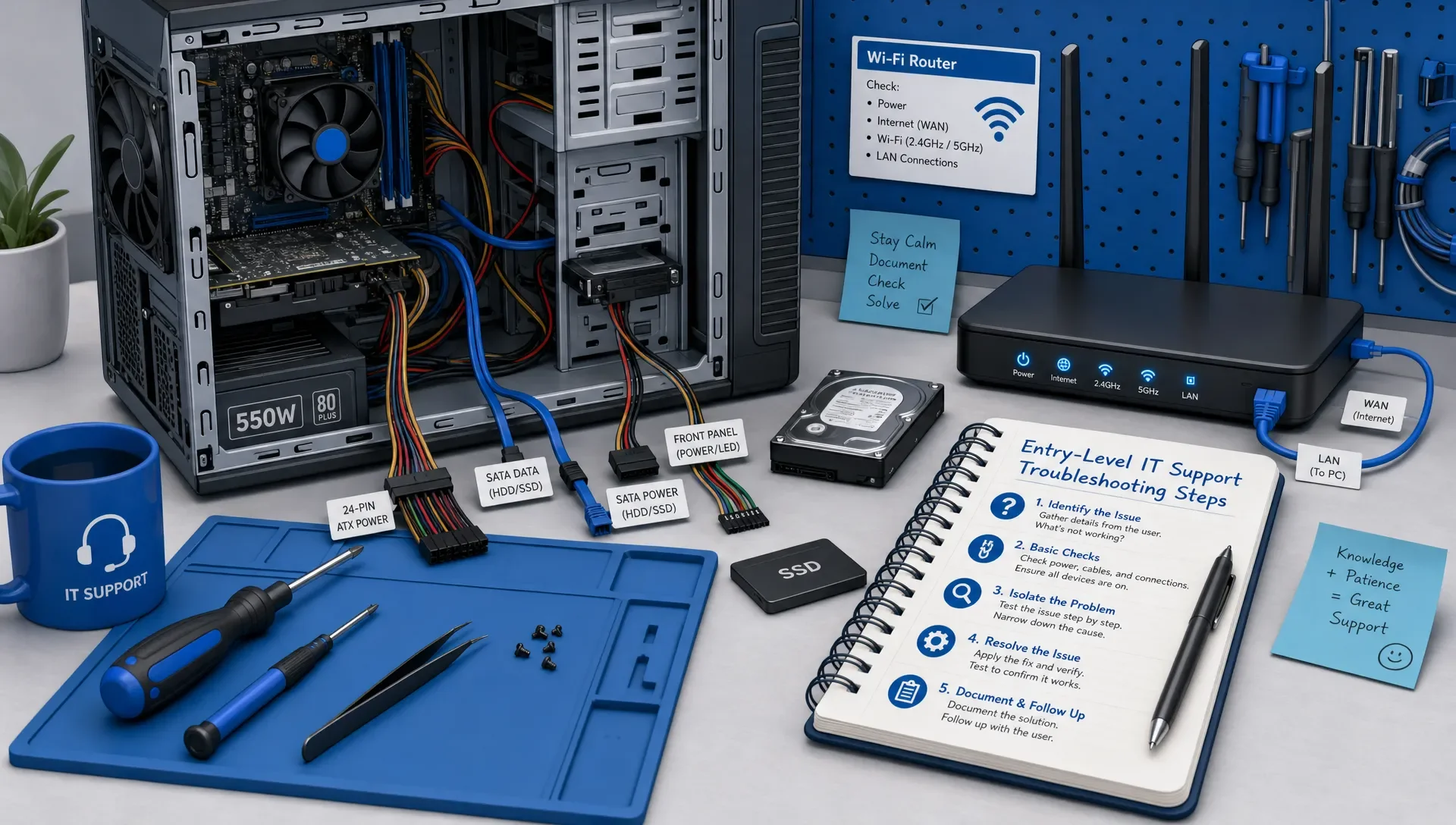
What the Test Quietly Measures Beyond Technical Knowledge
The A+ exam also measures several support skills that are easy to overlook because they aren't always listed as memorization targets. These skills appear in scenario wording, answer choices, and PBQs.
| Skill the exam measures | Why it matters in support work | How to train it |
|---|---|---|
| Prioritization | You often need the safest next action, not the most complete action | Practice explaining why one step should come before another |
| Risk awareness | Some fixes can cause data loss, downtime, or security exposure | Before choosing an answer, ask what could go wrong |
| User impact | Support decisions affect productivity and trust | Look for clues about urgency, access, and business need |
| Security by default | Even simple tickets can involve credentials, malware, or privacy | Treat account, network, and device questions as security questions too |
| Documentation mindset | Good support leaves a record of what changed and why | Include notes, escalation, and policy compliance in your reasoning |
| Reading precision | Exam scenarios often hinge on one constraint | Underline the symptom, recent change, and requested outcome in practice |
This is why two answer choices can both sound reasonable. The exam often asks for the answer that fits the role of a responsible junior technician. You may not be the network architect, security engineer, or system owner. You're expected to identify, resolve, document, or escalate appropriately.
What CompTIA A+ Doesn't Measure
Understanding what the exam doesn't measure can reduce anxiety and keep your study plan realistic.
It doesn't measure whether you're an expert in every vendor's hardware, every Linux distribution, every cloud platform, or every enterprise tool. A+ is vendor-neutral and foundational. You need broad working knowledge, not specialist mastery.
It also doesn't measure whether you can memorize every possible problem. Real IT support has too many variables for that. The exam is more interested in pattern recognition: given these symptoms and constraints, which cause or action is most likely?
Finally, it doesn't prove you can succeed in every job environment on day one. Employers still care about communication, hands-on practice, ticketing habits, and willingness to learn. A+ gives you a structured foundation and a recognized signal, but it works best when paired with labs, practice, and real troubleshooting experience.
How to Study for What the Exam Actually Measures
Start with the official objectives, but don't treat them like a vocabulary list. For each objective, create a simple link between concept, symptom, tool, and decision. If the topic is RAM, know what RAM does, what failure can look like, which basic checks make sense, and when escalation or replacement is appropriate.
A structured CompTIA A+ study guide can help because it keeps your review tied to exam objectives instead of random topics. The key is to move from passive reading to active recall as soon as possible.
That approach is backed by learning research. In a well-known study on test-enhanced learning, Roediger and Karpicke found that retrieval practice improved long-term retention compared with repeated study alone. In other words, trying to answer questions from memory isn't just assessment. It's part of learning.
Spacing your review also matters. A review of distributed practice research by Cepeda and colleagues found that spreading study sessions over time improves retention compared with massed practice. For A+, that means flashcards, short review cycles, and repeated exposure to weak topics usually beat cramming.
Here's a practical way to apply that to A+ prep:
- Turn each missed question into a one-sentence rule, such as check the simplest physical cause before replacing hardware.
- Review explanations for both correct and incorrect answers, because the wrong choices reveal how the exam separates similar ideas.
- Practice weak domains in short focused sessions instead of retaking full exams every time.
- Use flashcards for facts that must be automatic, then use scenarios to train judgment.
- Add hands-on practice where possible, especially for operating system tools, basic networking commands, hardware identification, and security workflows.
When you move into exam simulation, use a CompTIA A+ practice exam to test timing, stamina, and topic balance. A score is useful, but the explanation trail is even more useful. Your goal is to find the reasoning patterns that still break under pressure.
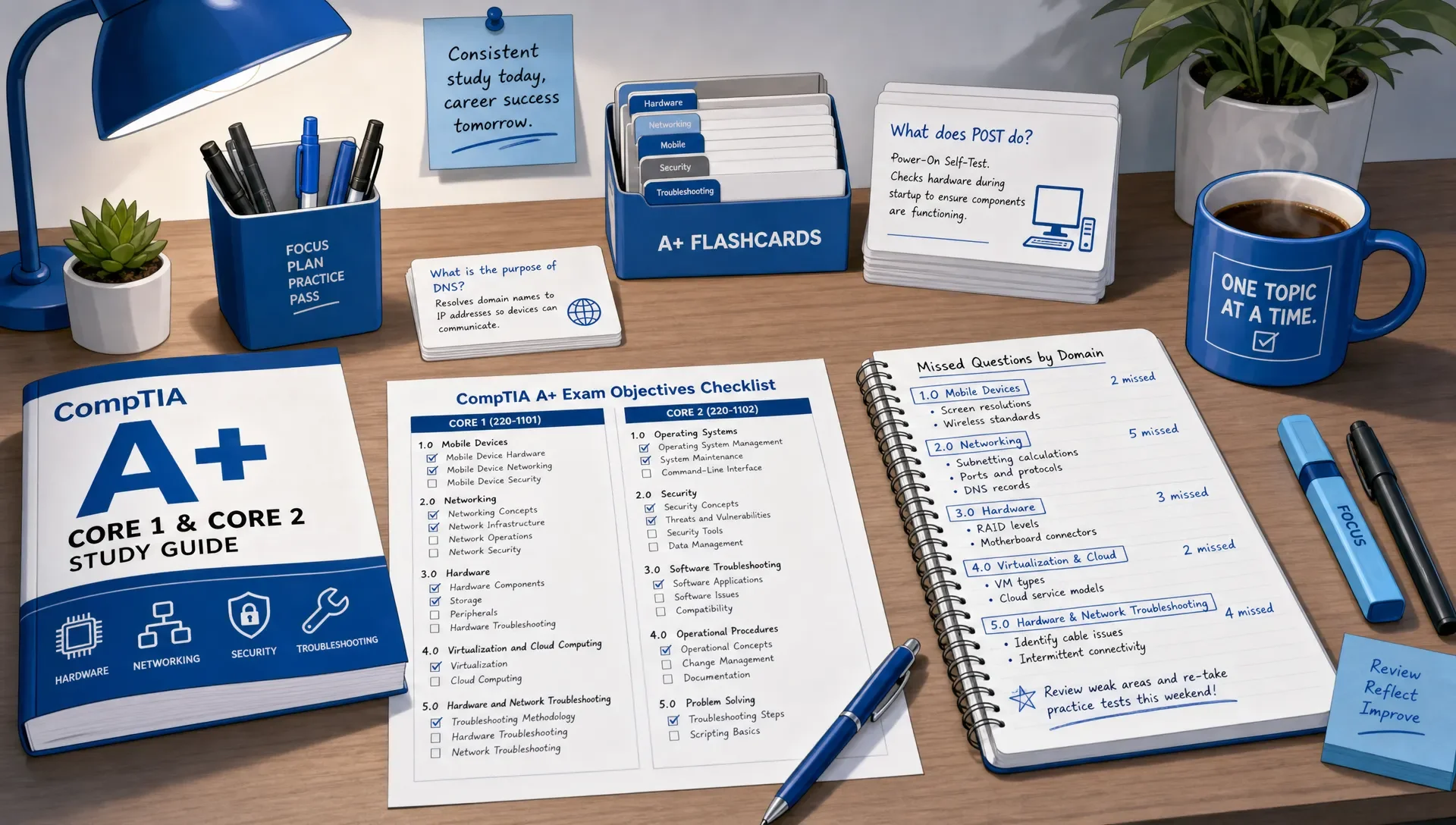
How to Tell If You're Ready for the Exam
Readiness isn't one lucky high score. It's stable performance across the topics the exam measures. You should feel comfortable moving between hardware, networking, operating systems, security, software troubleshooting, and operational procedures without needing to rebuild your confidence from scratch each time.
Use this readiness table as a practical check before scheduling:
| Not ready yet | Stronger readiness signal |
|---|---|
| You remember the right answer only because you saw it before | You can explain the concept in a new scenario |
| You skip explanations after correct answers | You can explain why the distractors are less appropriate |
| You do well in one domain but collapse in another | Your weaker domains are improving through targeted practice |
| You run out of time on mixed sets | You can keep a steady pace and flag hard questions without panicking |
| PBQs feel unfamiliar | You've practiced translating concepts into ordered steps or configurations |
| You rely on cramming before every quiz | You retain key facts through spaced review |
One of the best readiness habits is to keep an error log. Don't write down only the topic. Write down the mistake type. Was it a forgotten fact, a misread word, a weak troubleshooting sequence, or confusion between two similar tools? That tells you what to fix next.
MindMesh Academy's workflow is designed around this kind of preparation: study guides by exam objectives, practice questions with explanations, flashcards with spaced repetition, adaptive weakness-based practice, and readiness tracking. Those features matter because the A+ exam measures connected understanding, not isolated study activity.
Common Reasons Candidates Misjudge the A+ Test
Many candidates underestimate A+ because the topics sound familiar. They've used laptops, installed apps, connected Wi-Fi, or helped family members with printers. Familiarity helps, but it can also hide gaps.
The exam may ask about the correct support process, not just the thing you would try at home. In a workplace, you need to think about data protection, acceptable use policies, change impact, documentation, and escalation. A fast personal fix isn't always the best professional answer.
Other candidates overestimate the exam by trying to learn everything in expert depth. That can waste weeks. You don't need to become a network engineer before taking A+. You need to understand enough networking to support common endpoints, diagnose basic connectivity, and know when an issue belongs to another team.
The balanced approach is simple: learn the objectives, practice realistic scenarios, review missed reasoning, and track readiness by domain.
Frequently Asked Questions
What does the CompTIA A+ certification test really measure? It measures foundational IT support readiness. That includes technical knowledge, troubleshooting sequence, security awareness, operating system support, hardware and network basics, and professional support judgment.
Is the CompTIA A+ certification test mostly memorization? No. Memorization is necessary for some facts, such as common ports, hardware terms, and command functions, but the exam also asks you to apply those facts to scenarios and choose the best next step.
Are performance-based questions harder than multiple-choice questions? They can feel harder because they require action, not just recognition. The best preparation is to practice tasks while you study each topic, not after you finish all the reading.
Should I take Core 1 or Core 2 first? Many learners start with Core 1 because hardware, networking, and device topics feel more concrete. Others start with Core 2 if they already work with operating systems and security basics. Choose the order that matches your background, but prepare for both as connected support skills.
How do I know if I'm ready for the A+ exam? You're closer to ready when you can explain answers, handle timed mixed practice, improve weak domains, and work through PBQ-style tasks without relying on memorized question patterns.
Does passing A+ mean I'm ready for an IT job? Passing A+ gives you a strong foundation and a recognized credential, but job readiness also depends on hands-on practice, communication, documentation habits, and continued learning.
Prepare for the CompTIA A+ Test With the Right Feedback
The CompTIA A+ certification test rewards candidates who can connect knowledge to support decisions. If your prep is only rereading notes, you're missing the part of the exam that matters most.
Build your judgment by answering questions, reviewing explanations, revisiting weak areas, and practicing recall over time. If you're looking for a connected workflow to put your A+ knowledge to the test, MindMesh Academy offers practice questions with detailed explanations and readiness tracking to help you prepare for exam day.
Start your preparation today with a CompTIA A+ practice exam.

Written by
Alvin Varughese
Founder, MindMesh Academy
Alvin Varughese is the founder of MindMesh Academy and an enterprise architecture leader. An electrical engineer by training, he moved from factory automation in South Africa to cloud architecture at GE Appliances and Humana (Fortune 50), and holds 20 professional certifications including AWS Solutions Architect Professional, Azure DevOps Engineer Expert, and Microsoft Agentic AI Business Solutions Architect. He built MindMesh Academy after interviewing too many highly certified candidates who couldn't answer basic questions: the goal is prep that makes you better at the job, not just able to pass the exam.