
CompTIA A+ Exam Study Timeline for First-Time Takers
CompTIA A+ Exam Study Timeline for First-Time Takers
If you're taking the CompTIA A+ exam for the first time, plan for a structured timeline instead of just studying until you feel ready. Most first-time candidates do best with 8 to 12 weeks of preparation, split between Core 1 and Core 2, with practice questions integrated from the first week.
The practical goal is simple: cover the exam objectives, practice troubleshooting decisions, review missed questions, and schedule each exam only when your weak areas no longer surprise you. The timeline below gives you a realistic path for both exams without turning every evening into a cram session.
How Long Should First-Time Takers Study for the CompTIA A+ Exam?
For most first-time takers, the CompTIA A+ exam isn't a single project. You need to pass two separate exams, Core 1 and Core 2, so your timeline must account for both. If you're brand new to IT, a 10 to 12-week plan is usually more realistic than trying to finish everything in a month.
A good timeline depends on your starting point, your weekly availability, and how comfortable you are with hands-on troubleshooting. Someone who has built PCs, configured home networks, or supported family devices may move faster through Core 1. Someone who has used Windows every day but hasn't studied malware removal, permissions, command-line tools, or operational procedures may need more deliberate Core 2 practice.
| Your background | Suggested timeline | Weekly study time | Best approach |
|---|---|---|---|
| Complete beginner with little hardware or networking experience | 12 to 14 weeks | 6 to 8 hours | Slow domain coverage, frequent review, extra troubleshooting labs |
| Beginner with some tech exposure | 10 to 12 weeks | 5 to 7 hours | Balanced study and practice, one exam at a time |
| Help desk intern, PC hobbyist, or IT-adjacent worker | 6 to 8 weeks | 5 to 6 hours | Faster content review, heavier practice question review |
| Retaking one failed core | 2 to 4 weeks | 4 to 6 hours | Targeted weak-domain repair and timed practice |
Don't judge your readiness by how many videos you've watched or how many pages you've read. Judge it by whether you can answer scenario questions, explain why the wrong options are wrong, and solve problems under time pressure.
What the CompTIA A+ Exam Covers Before You Build a Timeline
According to the official CompTIA A+ certification page, this certification requires two exams. As of this writing, the current exams are Core 1 (220-1201) and Core 2 (220-1202). Always verify the current exam codes and objectives before you book, especially if you're studying during an exam version transition.
The CompTIA A+ exam includes multiple-choice questions and performance-based questions. That matters for your study timeline because memorizing definitions isn't enough. You need time to practice applying concepts, reading scenarios carefully, and troubleshooting in a logical order.
| Exam | Main focus areas | What your timeline must include |
|---|---|---|
| Core 1 | Mobile devices, networking, hardware, virtualization, cloud computing, hardware and network troubleshooting | Device identification, ports and protocols, PC components, printer issues, network symptoms, troubleshooting workflow |
| Core 2 | Operating systems, security, software troubleshooting, operational procedures | Windows tools, security habits, malware response, scripting basics, ticketing, safety, change management, professionalism |
If you want a deeper breakdown of each domain, use a domain-by-domain resource like the CompTIA A+ certification study guide by exam domain alongside the official objectives. For this article, the focus is the timeline: what to study, when to practice, and when to schedule.
Should You Take Core 1 or Core 2 First?
Most first-time takers should study Core 1 first, then Core 2. Core 1 builds the hardware, networking, and troubleshooting base that often helps later when you're studying operating systems and security. If you're completely new, Core 1 also gives you more concrete topics to attach concepts to, such as cables, ports, storage, printers, wireless standards, and network symptoms.
There are exceptions. If you already work in desktop support and spend most of your day with Windows, malware cleanup, account permissions, and support tickets, Core 2 may feel more familiar. In that case, taking Core 2 first can create momentum. The best first exam is the one where your current knowledge plus four to six weeks of study can lead to a confident pass.
Do not schedule both exams for the same day if this is your first IT certification. Some candidates do pass that way, but it leaves no room for review, fatigue, or a bad testing experience. A safer plan is to take Core 1, spend one to three weeks adjusting your Core 2 prep based on how the first exam felt, then take Core 2.
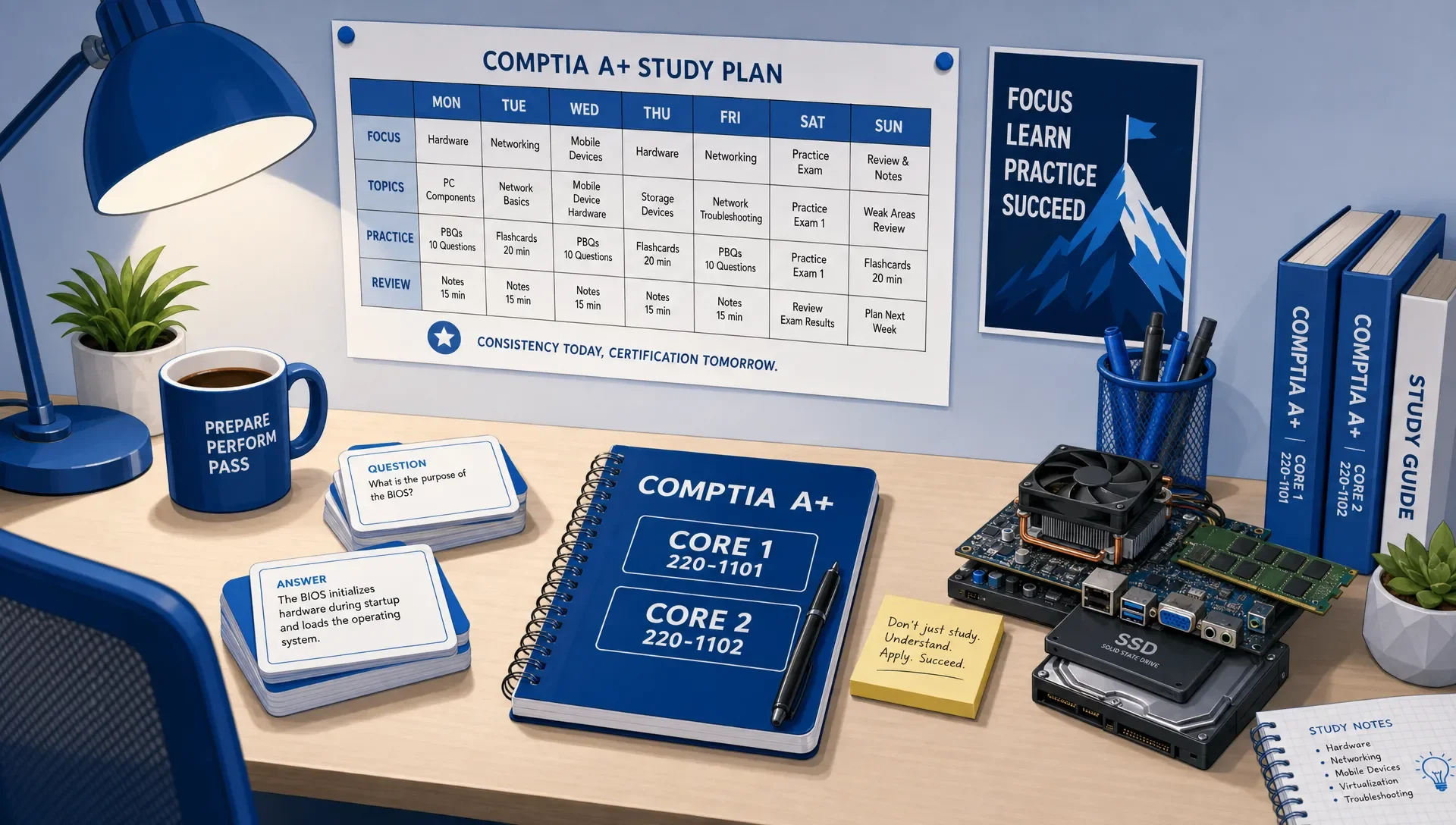
A 10-Week CompTIA A+ Exam Study Timeline for First-Time Takers
This 10-week timeline works well for first-time takers who can study about one hour on most weekdays and two to three hours on one weekend day. If you're starting from zero, stretch it to 12 weeks by adding review weeks after Week 4 and Week 8. If you already have experience, compress it to 8 weeks by combining early review sessions.
| Week | Main focus | What to complete by the end of the week |
|---|---|---|
| 1 | Setup, objectives, baseline review | Download the objectives, learn the exam structure, take a short baseline quiz, create flashcards for unfamiliar terms |
| 2 | Core 1 hardware and mobile devices | Identify components, storage types, connectors, laptop parts, mobile device features, and common installation issues |
| 3 | Core 1 networking fundamentals | Learn ports, protocols, SOHO networking, wireless basics, IP concepts, network tools, and common connectivity symptoms |
| 4 | Core 1 virtualization, cloud, and troubleshooting | Review virtualization concepts, cloud models, printer symptoms, PC troubleshooting steps, and performance-based question formats |
| 5 | Core 1 mixed practice and exam readiness | Take timed mixed sets, review every missed question, patch weak domains, and schedule Core 1 if your results are stable |
| 6 | Core 2 operating systems | Study Windows editions, installation methods, system tools, command-line utilities, file systems, and basic macOS and Linux concepts |
| 7 | Core 2 security and operational procedures | Cover authentication, malware response, physical security, documentation, safety, communication, and change management |
| 8 | Core 2 software troubleshooting | Practice scenarios involving boot issues, application errors, mobile OS symptoms, security alerts, and user support decisions |
| 9 | Core 2 timed practice and weak areas | Complete timed mixed sets, review explanations, rebuild weak flashcards, and revisit objectives you keep missing |
| 10 | Final review and Core 2 exam | Reduce new content, practice timing, review notes, confirm logistics, and take Core 2 when your performance is consistent |
The key isn't to treat Week 5 and Week 10 as cramming weeks. They are decision weeks. If your practice results show the same weaknesses repeatedly, use the week to repair them instead of rushing into the exam.
Weekly Study Routine for CompTIA A+ First-Time Takers
A timeline only works if your weekly routine is repeatable. The Institute of Education Sciences recommends techniques such as spaced study and practice testing in its guide on organizing instruction and study to improve learning. For A+, that means you should quiz yourself often, revisit weak topics several times, and avoid saving practice questions until the end.
A simple weekly rhythm looks like this:
- Three content sessions of 45 to 60 minutes focused on one exam objective area.
- Two practice sessions of 30 to 45 minutes using questions tied to the same topics.
- One review session for missed questions, flashcards, command-line tools, ports, acronyms, and troubleshooting steps.
- One light catch-up session for anything you skipped or misunderstood.
Keep your sessions short enough that you can actually do them. A tired three-hour session where you passively read notes is usually less useful than a focused 45-minute session where you answer questions, explain mistakes, and update flashcards.
Your review process should be active. When you miss a question, write down the concept behind the mistake. Was it a port number? A troubleshooting order issue? A Windows utility? A security best practice? A scenario clue you ignored? That mistake log becomes your personal study guide.
How to Use CompTIA A+ Practice Exams During Your Timeline
Practice exams should appear throughout your CompTIA A+ exam timeline, but not in the same way every week. Early practice should be diagnostic. Middle practice should be topic-based. Final practice should be timed and mixed.
In the first two weeks, use short quizzes to find blind spots. Don't worry if the score is rough. You're collecting information. By the middle of Core 1, start grouping practice by domain so you can connect questions to the objectives. Once you finish your first content pass, use a timed A+ Core 1 practice exam to test pacing, endurance, and troubleshooting judgment.
Repeat the same pattern for Core 2. Start with short operating system and security sets, then move into mixed troubleshooting scenarios. Near the end of your timeline, a timed A+ Core 2 practice exam can help you decide whether you're ready to schedule or need a few more focused review days.
MindMesh Academy is built for this kind of workflow: study guides by exam objectives, practice questions with explanations, flashcards with spaced repetition, adaptive weakness-based practice, and readiness tracking. Use these tools to avoid the biggest first-time mistake: doing more questions without learning from the ones you missed.
CompTIA A+ Exam Readiness Benchmarks Before You Schedule
You don't need perfect practice scores to schedule the CompTIA A+ exam, but you do need repeatable performance. A single strong practice attempt can happen because the questions lined up with your strengths. Readiness shows up when you can handle mixed topics, unfamiliar wording, and time pressure without falling apart.
| Readiness benchmark | What it looks like in practice |
|---|---|
| You can explain missed questions | You understand the concept, not just the correct letter |
| Your weak domains are shrinking | The same topics are not causing repeated errors every session |
| You manage time without rushing | You can finish timed sets with enough time to review flagged questions |
| You handle troubleshooting order questions | You choose the next best step, not just a technically possible answer |
| You recognize scenario clues | You notice words like intermittent, recently changed, only one user, no link light, or after update |
| You can perform under mixed conditions | Hardware, networking, OS, security, and operational questions no longer feel like separate worlds |
The strongest sign of readiness isn't confidence. It's consistency. If your performance swings wildly from one practice session to the next, pause and find out why. You may have a timing issue, a reading issue, or a domain gap that needs targeted review.
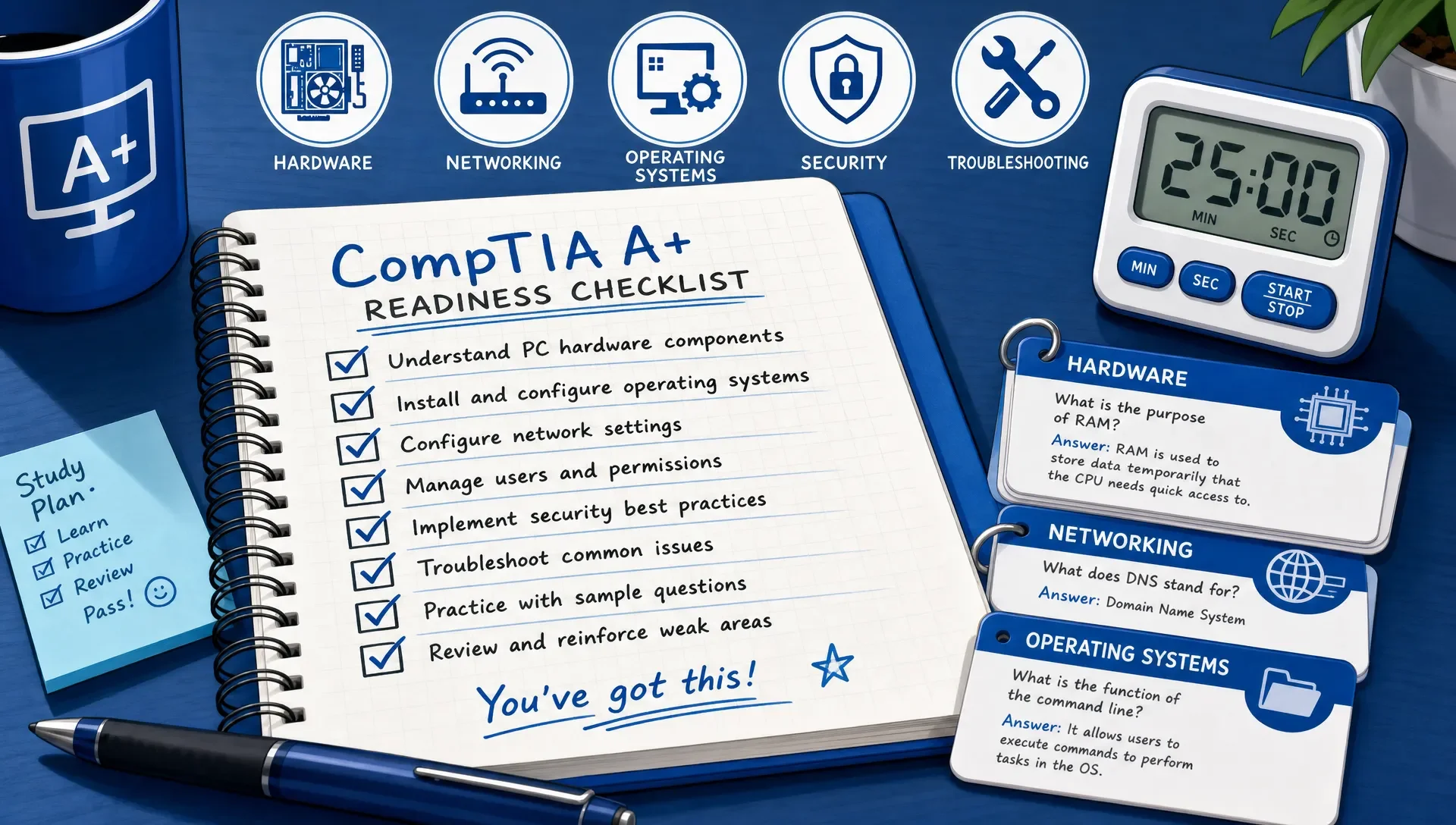
How to Adjust Your CompTIA A+ Timeline If You Fall Behind
Falling behind doesn't mean your plan failed. It means the plan has new data. First-time candidates often underestimate how long troubleshooting and networking take, especially if they've never worked with support scenarios before.
The wrong response is to cram harder while skipping review. The better response is to protect practice time and reduce low-value activities. If you're watching long explanations but not answering questions, shift time into practice. If you're answering questions but not reviewing explanations, slow down and rebuild your mistake log.
| Problem | Best adjustment |
|---|---|
| You're behind on content | Extend the timeline by one week instead of skipping practice |
| You keep missing the same topic | Stop broad review and run a focused repair session on that objective |
| Practice scores are inconsistent | Mix timed sets with slower explanation review to separate knowledge gaps from pacing issues |
| PBQs make you freeze | Practice reading the task first, identifying the outcome, and ignoring extra detail |
| You're forgetting earlier domains | Add 10 minutes of flashcards or mixed review to every study day |
If you need to extend the plan, extend it deliberately. Add one week after Core 1 content or one week before Core 2 final review. Avoid stretching every week loosely, because that usually turns into months of unfocused studying.
Final Week Study Plan for Core 1 and Core 2
The final week should feel calmer than the first few weeks, not more chaotic. Your job is to sharpen, not rebuild the entire exam from scratch.
| Time before exam | What to do | What to avoid |
|---|---|---|
| 7 to 5 days | Take a timed mixed practice set and review every missed question | Starting a large new resource from the beginning |
| 4 to 3 days | Repair your weakest two or three objectives | Randomly rereading everything |
| 2 days | Review flashcards, acronyms, ports, commands, and troubleshooting order | Taking multiple full practice exams in one day |
| 1 day | Confirm exam time, ID requirements, route or online testing setup, and sleep plan | Late-night cramming |
| Exam morning | Do a light warm-up and review your test strategy | Trying to learn brand-new topics |
For test strategy, read each scenario carefully and ask what the question is really requesting. Many A+ questions include several facts, but only a few are decision clues. If you don't know an answer, eliminate what is unsafe, irrelevant, or out of order, then flag the question and move on.
Frequently Asked Questions
How many weeks should I study for the CompTIA A+ exam if I'm a beginner? Most first-time takers should plan for 10 to 12 weeks if they can study 5 to 7 hours per week. Complete beginners may need 12 to 14 weeks, especially if hardware, networking, and operating system troubleshooting are new to them.
Should I study for Core 1 and Core 2 at the same time? It's usually better to study one core at a time. Core 1 and Core 2 overlap in troubleshooting mindset, but they test different domains. Studying one core deeply helps you build momentum and reduces confusion.
How far apart should I schedule the two CompTIA A+ exams? Many first-time takers do well with one to three weeks between exams. That gives you time to recover from the first exam, adjust your study plan, and focus on the second core without losing momentum.
When should I start taking CompTIA A+ practice exams? Start with short quizzes in Week 1 or Week 2 to identify weak areas. Save full timed practice exams for after you've completed most of the content for that core, usually around Week 5 for Core 1 and Week 9 for Core 2 in a 10-week plan.
What if I fail one of the CompTIA A+ exams? Treat the score report as a repair map. Revisit the objectives connected to your weakest areas, review missed-question patterns, and spend two to four weeks on targeted practice before retesting.
Can I pass CompTIA A+ without IT work experience? Yes, but you need hands-on thinking. Spend extra time with hardware identification, networking symptoms, Windows tools, command-line basics, and troubleshooting scenarios so the exam feels practical instead of abstract.
Build a CompTIA A+ Study Timeline You Can Actually Follow
The best CompTIA A+ exam timeline isn't the fastest one. It's the one you can follow consistently while turning weak areas into strengths. Start with the official objectives, split your plan by Core 1 and Core 2, use practice questions early, and let your readiness data decide when to schedule.
To put this plan into action and track your progress, MindMesh Academy offers structured study guides, a comprehensive library of practice questions with explanations, and adaptive tools that pinpoint your weak spots. Get ready for exam day and test your knowledge with a CompTIA A+ Core 2 practice exam.

Written by
Alvin Varughese
Founder, MindMesh Academy
Alvin Varughese is the founder of MindMesh Academy and an enterprise architecture leader. An electrical engineer by training, he moved from factory automation in South Africa to cloud architecture at GE Appliances and Humana (Fortune 50), and holds 20 professional certifications including AWS Solutions Architect Professional, Azure DevOps Engineer Expert, and Microsoft Agentic AI Business Solutions Architect. He built MindMesh Academy after interviewing too many highly certified candidates who couldn't answer basic questions: the goal is prep that makes you better at the job, not just able to pass the exam.