Azure Exam Registration Checklist for First-Time Candidates
Azure Exam Registration Checklist for First-Time Candidates
Before you register for an Azure exam, you'll need to confirm a few key details. Verify the exact exam code, check that your Microsoft Learn profile name matches your ID, and decide whether you'll test online or at a test center. Finally, confirm the appointment's time zone, total price, and cancellation deadline before you complete payment.
It's crucial to treat preparation for the exam and administrative registration as separate tasks. You might master the exam objectives but still encounter a preventable problem because your ID doesn't match your booking, or your computer can't run the online testing software. This checklist covers the administrative steps designed to help first-time candidates reach exam day without those surprises.
Azure Exam Registration Checklist at a Glance
Use this table as a quick reference before you begin the scheduling process. The sections below explain what to check and where to find the official requirements.
| Check | What to verify |
|---|---|
| Exam selection | The exact exam code and current certification requirements |
| Account | A Microsoft account you can access reliably |
| Legal name | Your registration name matches acceptable identification |
| Testing format | Online proctoring or an available test center |
| Accommodations | Any required approval and scheduling instructions |
| Appointment | Date, local time, time zone, and exam language |
| Payment | Regional price, taxes, and any voucher restrictions |
| Confirmation | Booking details, check-in instructions, and cancellation policy |
Your Azure exam registration isn't complete just because you've selected a date. Always finish the provider's checkout process and confirm you have an appointment confirmation.
Confirm the Exam Code Before Choosing a Date
Always start by visiting the official Microsoft Learn page for the specific exam you plan to take. Similar names can lead to different exams, and passing one exam doesn't always meet every requirement for a certification.
For instance, Microsoft's AZ-900 exam page identifies Azure Fundamentals and links to the current preparation and scheduling information. Check this page directly rather than relying on an old screenshot, a bookmarked checkout page, or a third-party description.
Record the exam code and its full name. Also, look for retirement notices, available languages, and any certification requirements beyond the exam itself. These details can change, so verify them when you're ready to book.
If you're still weighing foundational versus role-based options, MindMesh Academy's guide to choosing an Azure certification training path can help you narrow your choice. Make that decision before comparing appointment availability.
Check Your Microsoft Account and Legal Name
Use a personal Microsoft account you expect to keep long-term, rather than relying solely on an employer-controlled or school-controlled login. Follow Microsoft's official registration and scheduling instructions to sign in and complete your profile information.
Before scheduling your Azure exam, compare the name in your profile with the identification you plan to present. Don't assume a nickname, shortened first name, or recently changed surname will be accepted.
If you've changed your legal name, resolve any profile mismatch before booking. Use the official support process when you can't edit the required information yourself. Don't create another account just to bypass a name issue, as that can scatter your records across multiple profiles.
Also, verify your contact email and recovery options. You'll need access to appointment notices and any messages about scheduling changes. Save the account you used in your own records so you're not guessing which login holds your appointment later.
Choose Online Proctoring or a Test Center
Select the testing format based on your specific conditions, not just convenience. Online testing removes travel time but puts you in charge of your computer, network, and testing room. A test center provides the testing workstation, but you'll need to plan transportation and arrival time.
| Consideration | Online proctored exam | Test-center exam |
|---|---|---|
| Equipment | You provide a compatible computer | The center provides the testing workstation |
| Environment | You need a private, compliant space | The center manages the testing environment |
| Connectivity | Your connection must support the session | The center manages testing connectivity |
| Travel | No trip to a testing location | Allow time for travel and check-in |
| Main preparation task | Run the system test and prepare the room | Review location, ID, and arrival instructions |
For your first Azure exam, a test center may be the simpler option if you share a room, use a restricted work laptop, or can't prevent interruptions. Online testing might suit you better if you fully control your equipment and have a reliably private space.
Run the Online System Test Before Booking
Read Microsoft's online exam guidance and follow the testing provider's current system-test instructions. Use the exact same computer, network, and location you intend to use on exam day.
A normal video call isn't proof that the testing application will work. Corporate security settings, VPNs, unsupported software, or network restrictions can interfere with the session.
Check the rules for additional monitors, desk items, room access, and breaks. Don't assume you can use notes, consult a phone, or leave the camera's view. Identification requirements also come from the provider, so review the acceptable documents for your appointment rather than relying on someone else's experience.
Request Exam Accommodations Before Scheduling
If you need disability-related accommodations or an adjustment connected to a documented need, begin with Microsoft's accommodation request process.
Do not book an ordinary appointment and assume the provider can add an accommodation at check-in. Follow the approval process and any specific scheduling instructions you receive. Documentation requirements and available arrangements depend on your request.
Choose your Azure exam date only after you understand how the approved accommodation affects booking. This helps you avoid reserving a session that doesn't support the arrangement you need.
Keep the approval message with your appointment records. If the booking details don't reflect the instructions you received, contact the appropriate support team before exam day rather than trying to resolve the issue during check-in.
Schedule Through the Official Microsoft Learn Exam Page
Return to the official exam page and use its scheduling option. For most individual candidates, the process directs you to Pearson VUE. If Microsoft offers a different provider for your circumstances, follow the route shown on the official page.
During scheduling, work through each screen carefully. Confirm the exam code before choosing the delivery format, then review the location or online-testing requirements before selecting an appointment.
Pay particular attention to the time zone. An appointment shown in an unexpected zone can be easy to misread, especially if you're traveling or booking from a different location. Check the full calendar date as well as the hour, and distinguish morning from evening when the interface uses a 12-hour clock.
Before confirming your Azure exam appointment, verify the exam language separately from any interface or support-language preference. Don't assume that changing the scheduling website's language changes the language of the exam.
Finally, review the appointment summary before submitting payment. Correct any error while you're still in the booking flow instead of assuming you'll be able to fix it afterward.
Verify the Price and Any Voucher Restrictions
Use the price displayed during the official scheduling process for your exam and region. Avoid budgeting from another candidate's receipt or an old article, since regional pricing, taxes, and eligibility can differ. (Verify current pricing on the vendor site).
If you're using a voucher, check its terms before choosing your appointment. Restrictions may cover the eligible exam, country, expiration date, or other conditions. An expiration date can refer to a redemption deadline or a testing deadline, so read the issuer's wording carefully rather than guessing.
Enter the code through the provider's payment flow and confirm that the order summary applies it as expected. If it doesn't, stop and resolve the issue before submitting payment.
Save the payment receipt separately from the appointment confirmation. They serve different purposes: one documents the transaction, while the other tells you when and how to attend.
Save the Confirmation and Rescheduling Deadline
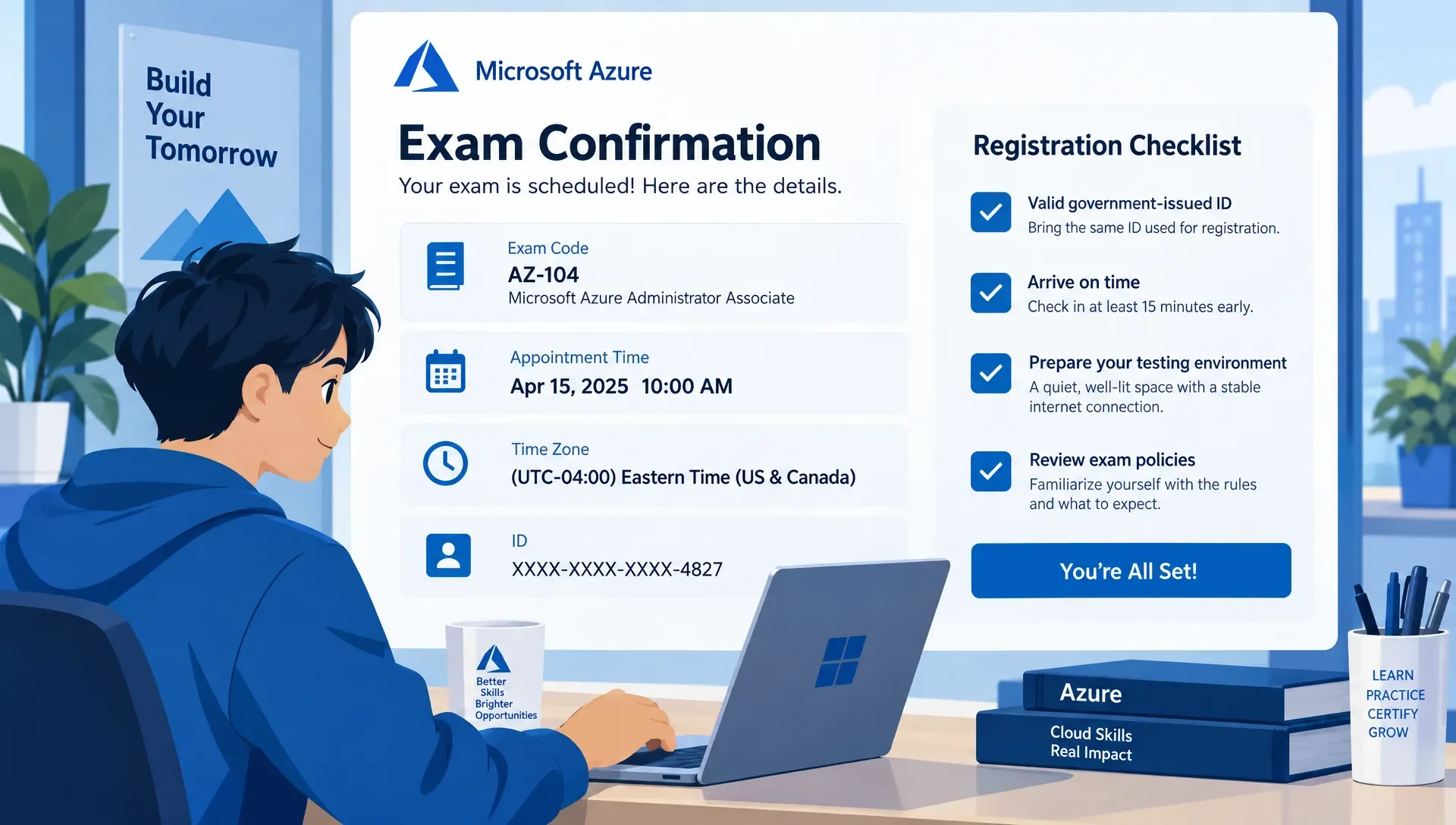
Once your Azure exam is booked, check the confirmation against the details you intended to select. Verify the exam code, candidate name, date, time zone, delivery format, and test-center address if applicable.
Add the appointment to your calendar with enough time for check-in. Keep the confirmation accessible outside the computer you'll use for online testing, since you may need to consult instructions before launching the exam software.
Microsoft's rescheduling and cancellation policy requires you to reschedule or cancel at least 24 hours before the scheduled appointment. Missing that deadline can mean forfeiting your exam fee or voucher. Review the policy and your confirmation for the terms that apply to your specific booking.
Set a separate reminder ahead of that cutoff. If illness, a scheduling conflict, or an equipment problem makes attendance unlikely, act before the deadline. After any change, verify that you received an updated confirmation showing the new appointment.
Complete a Final Check Before Exam Day
Recheck the practical details while you still have time to fix problems. For an online session, rerun the system test if your equipment or network has changed. For a test center, confirm the address and plan a route that allows for potential delays.
Your final Azure exam check should cover both access and attendance:
- Identification: Have the acceptable, valid documents required by the provider ready.
- Account access: Verify that you can sign in using the account associated with the booking.
- Appointment details: Recheck the date, time zone, and check-in instructions.
- Testing conditions: Prepare the approved room and equipment or your travel arrangements.
- Personal items: Review what you may bring and what must be stored away.
Registration readiness doesn't establish knowledge readiness. If you're taking AZ-900, use MindMesh Academy's Azure Fundamentals practice questions and explanations to identify weak topics before the appointment. Review why an answer is correct instead of treating a familiar question as proof you've mastered the objective.
Frequently Asked Questions
Do I need an Azure subscription to register? You don't need to purchase an Azure subscription simply to register for a Microsoft certification exam. Registration uses the Microsoft account and scheduling process. Access to Azure for hands-on study is a separate consideration.
Can I register using my work email address? Follow Microsoft's current account guidance and use a personal Microsoft account for long-term access. Don't rely solely on an organization-controlled login that you could lose when changing jobs or leaving school.
Can I take an Azure exam from home? Many Microsoft certification exams offer online proctoring, subject to availability and provider requirements. Check the official exam page, run the required system test, and verify that your room and identification meet the rules before selecting that format.
What should I do if my profile name doesn't match my ID? Resolve the mismatch through the official profile or support process before your appointment. Don't assume the proctor or test-center staff can accept the difference or correct your registration during check-in.
Can I change my appointment after booking? Yes, subject to the applicable scheduling policy and available appointments. Microsoft's policy requires changes at least 24 hours before the scheduled exam. Complete the change through the official provider process and save the updated confirmation.
Prepare for Your Scheduled Exam
Once your account, identification, and appointment details are settled, focus your remaining study time on the objectives you can't yet explain confidently. For Azure Fundamentals, MindMesh Academy's AZ-900 study guide provides an objective-based structure for that review.
Keep your registration checklist with your study plan. One confirms you can attend the appointment; the other helps you make good use of it.
Ready to confirm your knowledge and prepare for a wide range of certifications? Explore the comprehensive resources at MindMesh Academy to find the right practice exams and study materials for your professional goals. Start building your foundation today by checking out our full list of offerings.
Find more certification support here: MindMesh Academy Certifications

Written by
Alvin Varughese
Founder, MindMesh Academy
Alvin Varughese is the founder of MindMesh Academy and an enterprise architecture leader. An electrical engineer by training, he moved from factory automation in South Africa to cloud architecture at GE Appliances and Humana (Fortune 50), and holds 20 professional certifications including AWS Solutions Architect Professional, Azure DevOps Engineer Expert, and Microsoft Agentic AI Business Solutions Architect. He built MindMesh Academy after interviewing too many highly certified candidates who couldn't answer basic questions: the goal is prep that makes you better at the job, not just able to pass the exam.