How to Learn Programming for Beginners: Fast Start
Mastering Programming: Your Essential Guide to a Fast Start in IT
Learning to program requires more than memorizing commands. You must build a strong problem-solving mindset, select the right tools, and prioritize hands-on practice. For IT professionals, these skills are now a basic requirement rather than a specialized luxury. Programming supports operations ranging from automating cloud infrastructure on AWS to refining data analysis for strategic decision-making. Success comes from consistent application and continuous learning. You must move past simply watching tutorials to write actual code and solve real-world problems in the professional field.
Starting Your Coding Journey Without the Overwhelm
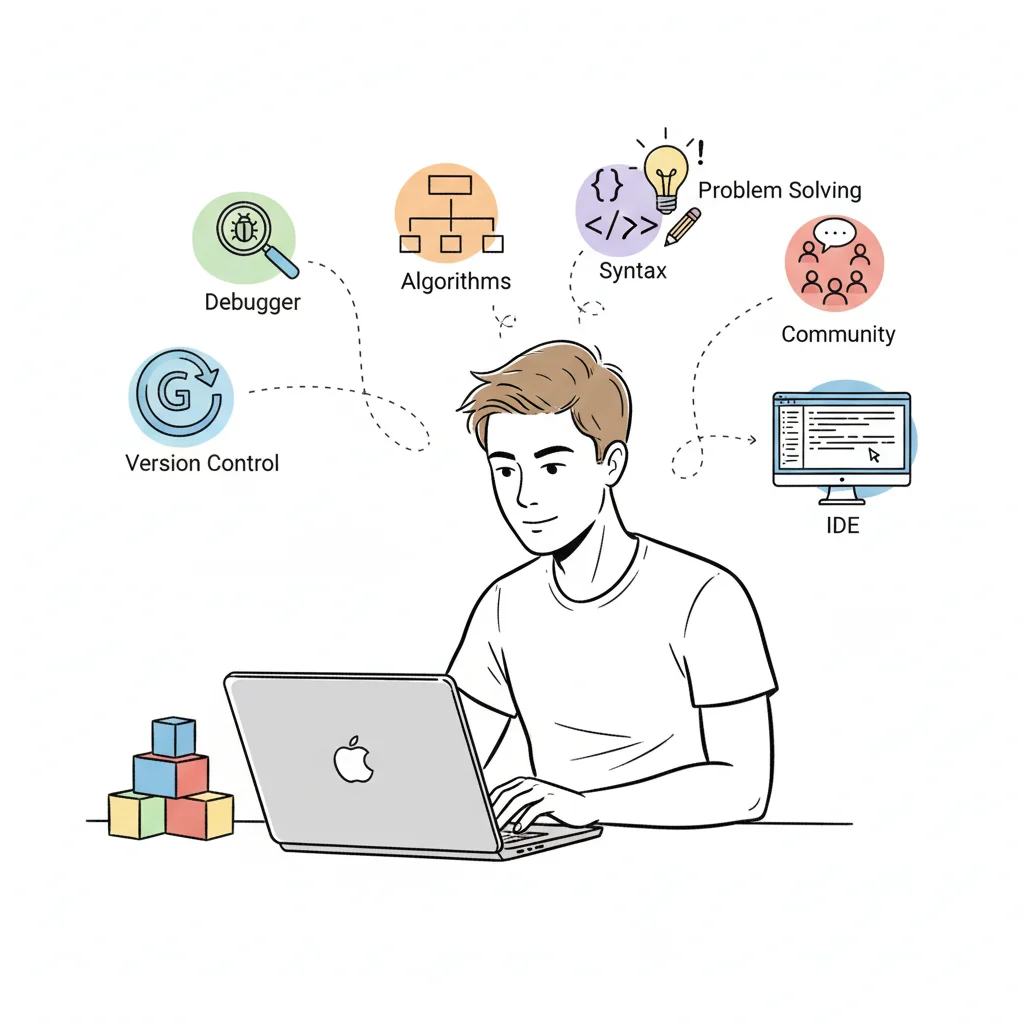
 Figure 1: A focused IT professional at their workstation, engaged in the rewarding process of programming.
Learning to code often feels like staring at an unscalable wall for many IT professionals. You see a vast amount of languages, libraries, and frameworks, and the conflicting advice found in online forums leads to hesitation before you even write your first line.
But here is a key insight that people often miss: you do not need an advanced math degree or a specific genetic trait to succeed. What you need is curiosity and a genuine interest in solving puzzles. At its center, programming is the systematic process of taking a large, complex problem and breaking it into small, logical steps that a computer can actually execute. The syntax of a language is just the specific set of rules you use to give those instructions to the machine.
First Things First: Define Your "Why"
Before you type print("Hello, World!") in Python or console.log("Hello, World!") in JavaScript, you must identify your core motivation. Why are you doing this? This internal motivation will be what keeps you moving when you hit a bug that takes hours to fix or a concept that does not make sense immediately.
Consider these professional drivers for your interest:
- Career Advancement or Transition: You might want to move into a full developer role, improve your standing in DevOps, or become a cloud engineer. Certifications like the AWS Certified Developer - Associate or the Azure Developer Associate require this knowledge and can help you stand out in the job market.
- Project-Specific Needs: You may have a vision for a specific internal tool, a web dashboard for your team, or a custom script to manage a fleet of network devices simultaneously.
- Automation and Efficiency: Most IT roles involve repetitive tasks that take up too much time. Learning to script these processes—such as infrastructure deployments or system administration—makes you more efficient. This is highly relevant for those following ITIL or PMP frameworks, where process optimization is the main goal.
- Intellectual Growth: Sometimes the goal is just to understand how software functions. Knowing how code interacts with systems gives you a better perspective on troubleshooting or identifying security vulnerabilities.
Having a clear goal makes the study process feel more practical. If your aim is a career shift, see our how to start an IT career guide for a plan. If you want to build something specific, like mobile app development for beginners, you can focus your energy there from the start.
The secret to getting ahead is getting started. The secret of getting started is breaking your complex overwhelming tasks into small manageable tasks, and starting on the first one. - Mark Twain
To help you find those first manageable tasks, here are the basic steps for IT professionals.
Your First Steps in Programming
This table outlines the foundational actions every aspiring IT programmer should take to build a strong skill set.
| Step | Action | Why It Matters for IT Professionals |
|---|---|---|
| Set a Clear Goal | Define what you want to automate, build, or integrate. For example, you might script an AWS EC2 instance deployment or build a dashboard for network monitoring. | Provides a clear target. It helps you align your programming study with your professional goals and the certification paths you might want to follow. |
| Pick One Language | Pick one language that is widely used and beginner-friendly, such as Python or JavaScript. Do not switch between languages while you are starting. | Prevents you from getting stuck in indecision. It allows you to focus on the core logic and programming rules that apply across different technical areas. |
| Find a Good Resource | Select a single high-quality course, book, or official set of documentation to begin your studies. Do not jump between too many different sources. | Keeps you out of "tutorial hell." It provides a structured path for you to follow, which is very similar to how you would prepare for a technical certification exam. |
| Code Every Day | Set aside 15 to 30 minutes every single day to write code. Even small logic exercises help build the habit and keep the information fresh. | Strengthens your learning and builds memory for syntax. Constant practice helps you develop the problem-solving habits that are necessary for any high-level IT position. |
Starting with these steps creates a base that makes your future learning much smoother, especially when you begin studying for specific certifications.
Reflection Prompt: What specific problem in your current IT role could be solved or significantly improved with a small script or program? Identifying this "why" can kickstart your practical learning.
You're Joining a Growing Field
The good news is that you are entering a field where demand is rising and learning resources are everywhere. The rising number of professional developers shows that these skills are becoming more accessible and are required in every technical sector.
In early 2022, there were about 21.8 million professional developers worldwide. That number is expected to reach 36.5 million by early 2025. This is a growth of nearly 70% in only three years. This expansion covers more than traditional software development. It includes roles in cloud operations, cybersecurity, data analytics, and IT management. Programming has become the base skill for the modern technical workforce. Every part of the IT sector now relies on code to function and scale.
Choosing Your First Programming Language
 Figure 2: Visualizing the choice between Python and JavaScript, two excellent starting points for IT professionals.
Most people starting their programming careers, especially those already working in IT, hit the same wall immediately. They ask, "Which language should I learn first?" This question often triggers weeks of research. They read endless forum debates and watch comparison videos, only to end up more confused than when they started.
Let's simplify the decision. The right language is not necessarily the one with the most hype or the most academic prestige. It is the one that helps you reach your specific professional goals. You aren't learning syntax for the sake of it; you are building tools to solve problems and create value.
Instead of looking at dozens of options, we will focus on two practical and versatile languages for IT professionals: Python and JavaScript. Each serves as a different entry point into the technology field.
JavaScript: The Language of the Web and Modern Applications
If you want to build interactive interfaces, dynamic web applications, or cross-platform mobile apps, learn JavaScript. It is the primary technology behind almost every interactive element on the internet. You see it in cloud management dashboards and real-time collaboration tools. For those focused on user experience (UX), front-end development, or full-stack roles, JavaScript is essential.
JavaScript is your primary tool if you want to:
- Web Applications: Develop dynamic and responsive browser-based tools, which are vital for SaaS platforms and internal company portals.
- User Interfaces: Create front-end UIs that communicate with back-end services to display data clearly.
- Server-Side Development: Use Node.js to handle full-stack requirements, allowing you to manage both the front and back ends of an application.
- Mobile Development: Use frameworks like React Native or Ionic to build apps for mobile devices using your existing web skills.
Consider a project where you build a custom monitoring dashboard for your IT infrastructure. With JavaScript, this dashboard becomes more than just a list of numbers. You can add real-time updates, interactive charts, and buttons that trigger actions. This type of tool supports an ITIL framework by improving service operations and operational awareness.
Python: The Ultimate Generalist for Automation and Data
Python is the right pick if you prefer scripting, automation, data analysis, or back-end development. Developers prize Python for its clear and readable syntax. Many people say it looks like plain English, which makes it much easier for beginners to pick up. This clarity helps IT professionals write working scripts quickly.
Python dominates many critical IT fields, from security to systems engineering.
Python functions as a versatile tool for developers and IT professionals. You can write scripts to manage AWS resources through Boto3 or handle Azure via their SDK (verify current SDK versions on the vendor sites). It works for network configuration automation, security log analysis, and building systems for predictive maintenance. Its flexibility makes it a standard in modern IT environments.
You should prioritize Python if you want to focus on:
- Data Science & Analytics: Process large datasets, generate automated reports, and find trends in operational data.
- Machine Learning & AI: Build models for incident management, anomaly detection, or resource forecasting.
- Automation & Scripting: Write scripts for system administration, configuration management with tools like Ansible, or cloud orchestration using Terraform with Python.
- Back-end Development: Create the server-side logic and APIs that power web applications.
One practical project involves writing a script to automate virtual machine provisioning on an Azure subscription. The script reads parameters from a configuration file and uses the Azure SDK to set up the resources. This provides immediate value and relates directly to cloud engineering roles. Because Python emphasizes readability, you can look at a script you wrote months ago and still understand exactly how it works.
Making a Practical Choice for Your IT Career
If you are still undecided, look at the career path you want to follow. Most technical roles require some familiarity with one of these two languages. Choosing one doesn't mean you can't learn the other later; most of the logic you learn in your first language applies to the second.
Comparing Top Beginner Programming Languages
The table below compares Python and JavaScript, focusing on how they relate to IT careers and the types of projects you might build first.
| Language | Best For IT Careers | Learning Curve | Example IT Project |
|---|---|---|---|
| Python | DevOps, Cloud Engineering (AWS/Azure automation), Data Science, Cybersecurity (scripting), Network Automation, System Administration. | Low | A script to regularly check the status of critical servers and send email alerts, or to provision cloud resources via API. |
| JavaScript | Web Development (Front-end/Full-stack), UI/UX, Mobile App Development, API Development, Tooling for web-based IT management platforms. | Medium | A simple web-based dashboard displaying real-time metrics pulled from a network device or cloud service API. |
Committing to either Python or JavaScript is a smart strategic move. Demand for these skills is high and continues to grow. By 2025, the global developer shortage is expected to reach 4 million people (verify this figure against current market reports).
The most common job openings frequently require Python or JavaScript expertise. Currently, companies spend an average of 66 days trying to fill a single technical position (verify current hiring data on the vendor or analyst site). This shows that now is a great time to learn these skills. You aren't just learning to code; you are positioning yourself to fill a massive gap in the labor market.
Setting Up Your Developer Toolkit
 Figure 3: An organized developer's workstation, ready for coding and problem-solving.
After you choose a starting language, you must assemble a functional workspace. Every IT professional who writes code relies on a specific set of applications to manage their daily workflow. The advantage for beginners is that many industry-standard tools are powerful, maintained by global communities, and available for free.
Setting up this environment is a vital step. It changes the process of learning to code from a theoretical exercise into a practical, hands-on routine. This setup centers on three primary components: a reliable code editor, a functional command line interface, and a system for version control.
Your Digital Workbench: The Code Editor
A code editor is where you will spend most of your time writing, organizing, and reviewing logic. While you can technically write code in a basic text editor, a specialized code editor provides features that make you more efficient. It functions like a word processor that is specifically programmed to understand the structure and rules of programming languages.
For those starting out, especially in IT roles, Visual Studio Code (VS Code) is the standard recommendation. Developed by Microsoft, it is free, works on Windows, macOS, and Linux, and has a massive community of users. This community creates extensions and themes that help you customize the editor to fit your specific needs.
A professional editor like VS Code provides several immediate technical benefits:
- Syntax Highlighting: The editor automatically applies different colors to various parts of your code, such as variables, functions, and strings. This visual distinction makes the code easier to read and helps you identify typing errors the moment they happen.
- IntelliSense (Auto-completion): This feature provides smart suggestions for code snippets and function names as you type. It predicts what you are trying to write based on the context of your file. This speeds up the writing process and reduces the need to memorize every single command in a language.
- Integrated Terminal: This allows you to run shell commands and scripts directly inside the editor window. You do not have to move between different applications to execute your code, which keeps your focus on the project.
- Debugging Tools: VS Code includes tools that let you pause your program while it is running. You can inspect the data stored in variables and find logical errors. Learning to use a debugger is a fundamental skill for troubleshooting complex systems.
These tools are not just for convenience. They help you learn faster, encourage better habits, and increase your output from the start.
A Direct Conversation with Your Computer: The Command Line
The command line interface (CLI), often called the terminal or shell, is your next essential tool. Although a text-based interface might look difficult to use, it is a fast and precise way to control a computer. For IT professionals, the CLI is a primary way to interact with operating systems, cloud servers, and automation scripts.
Instead of moving a mouse to click on icons, you type specific instructions. You can use the CLI to move files, install software packages, and connect to remote computers. If you work in cloud engineering or system administration, the command line is the standard tool for managing infrastructure. Learning basic navigation commands is a requirement for any developer.
- cd: This command changes your current directory, allowing you to move through the folders on your hard drive.
- ls or dir: These show you a list of all files and folders inside your current location.
- mkdir: Use this to create a new folder for your project files.
- rm: This removes files or folders. It is a powerful command that requires careful use.
- cat or type: These commands display the text inside a file directly on your screen without opening a separate editor.
The command line is a universal language for system interaction. While it feels different than a standard desktop interface, you will soon find it is much faster for many tasks. It is the foundation for most modern automation and deployment tools.
Never Lose Your Work Again: Version Control with Git
The final piece of your toolkit is Git, a version control system (VCS). Think of Git as a highly detailed tracking system for your project files. In an IT environment, this is how teams manage changes to configuration files and software code.
Git allows you to record every change you make. You create "commits," which are snapshots of your project at a specific point in time. If a new update causes an error or if you accidentally delete a file, you can use Git to return the project to a previous, stable state. This provides a safety net that lets you experiment with new ideas without the risk of losing your progress.
Git is typically used alongside GitHub, an online platform that stores your code repositories in the cloud. Other similar platforms include GitLab and Bitbucket. GitHub acts as a central location where you can back up your work, work with other developers, and show your projects to the world. For someone looking for a job, a GitHub profile is a live portfolio. It proves you can write code, manage a project, and use industry-standard collaboration tools. Setting up an account is a necessary step for your professional identity in the tech field.
Understanding the Building Blocks of Code
*Video: A fundamental introduction to the core concepts of programming, applicable to any language.*With your development tools in place, it is time to examine the foundational ideas that support almost all programming languages. The good news is that once you understand these core concepts, picking up new languages becomes much easier. This is not about memorizing syntax through brute force. It is about learning the logic that exists beneath the surface of every script you write.
Learning to cook follows a similar path. You do not start by memorizing every recipe in a massive cookbook. Instead, you master basic techniques. You learn how to sauté, chop, season, or emulsify. Once you have these skills, you can approach almost any recipe with confidence. Programming operates on this same principle. Mastering these building blocks allows you to pick up new languages and adapt to different frameworks quickly. The logic remains the same even when the commands change across different environments.
What Are Variables?
Variables are the most basic concept in coding. Despite the technical name, a variable is simply a named container. It stores a piece of information that your program needs to remember and use later. You give this container a descriptive name and place a value inside it.
Suppose you have a network monitoring script. It needs to track how long a server has been running. You might create a variable named serverUptimeHours and set its starting value to 0. As the script operates, it updates this serverUptimeHours variable every hour. In another case, a variable named statusMessage might hold text like "Server is Online" or "Error: Service Down".
This simple idea makes programs dynamic. It lets them retain information and change data while the code runs. This is a requirement for any real-world IT application, from simple scripts to complex enterprise software that manages thousands of concurrent users.
Automating Repetition with Loops
What if you need to do the same job many times? Imagine you have a list of 100 cloud instances. You need to apply a specific security patch to every single one. Writing the same lines of code 100 times is a waste of time and leads to mistakes. This is where loops are essential.
A loop is a control structure. It tells the computer to repeat a block of code until a specific condition is met. It works like an operational procedure: "Check the log file every 5 minutes until you see a specific error." You might not know how many times the loop will run, but you define exactly when it should stop. In code, a loop might say, "For every user account in this list, verify that they have enabled multi-factor authentication."
Loops are the primary tool for automation. They handle repetitive tasks with high efficiency. This concept is vital for anyone working in DevOps or system administration. You can see this principle even in web development when you create a website with HTML and CSS for beginners. In that context, loops often generate repetitive parts of a page, such as navigation links or product listings, ensuring the layout stays uniform without manual coding for every item.
Creating Reusable Recipes with Functions
A function is a named, self-contained block of code built to perform a specific task. Some languages call these "methods." You can view a function as a mini-program or a standardized operating procedure (SOP). You write the instructions once and give that block a clear name like provisionVM or sendAlertNotification. Then, you execute it whenever you need that task finished.
A function is like having a thoroughly documented SOP for a common IT task. Instead of writing out every step to "deploy a standard web server" every time, you call the
deployWebServer()function. It manages the underlying details, ensuring your work stays consistent and efficient.
Functions help you create organized and maintainable code. They allow you to reuse work and reduce the amount of code you have to write. They also make fixing errors much easier. If your monitoring script fails to connect to a database, you do not have to search through hundreds of lines of code. You only need to check the connectToDatabase() function to find the source of the problem.
Reflection Prompt: Consider a multi-step IT process you perform regularly. How could you see each distinct step as a "function" that could be called upon when needed?
Learning these building blocks is not about memorizing language details. It is about building a structured, logical way to solve problems. This way of thinking will help you develop problem-solving skills. Those skills are extremely useful for any IT professional, no matter what area they choose to study. By focusing on these core elements now, you build a foundation that supports more advanced topics like object-oriented programming or data structures later.
Turning Knowledge into Action with Your First Projects
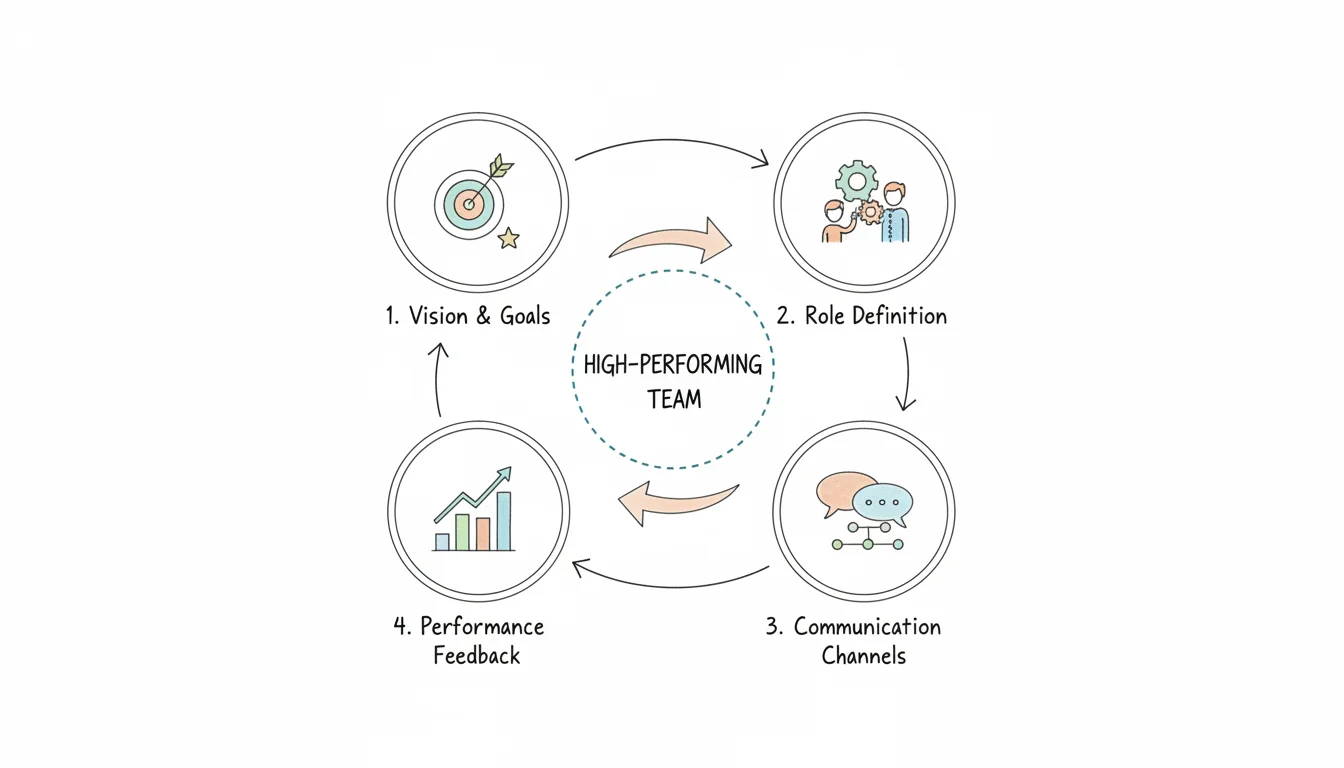 Figure 4: Hands-on application of programming skills is where theoretical knowledge truly transforms into practical ability.
Many beginners fall into "tutorial hell." This happens when you spend hours watching videos or reading manuals without actually typing a single line of code yourself. While these resources provide a foundation, real understanding only starts when you close the browser and open your code editor. You cannot learn to swim by reading about water; you have to get wet.
This is the critical stage where you bridge the gap between abstract syntax and actual software. You learn to program by programming. Your early goal is not to invent a world-changing app. Instead, focus on small tasks that turn concepts into physical results you built from scratch. Working through the logic on your own helps the syntax stick in your memory far better than passive watching ever could.
Moving Beyond Hello World
Printing "Hello, World!" to the screen is a classic first step, but do not stop there. To build momentum, you must tackle small projects that solve minor, real-world problems. These quick wins keep you motivated when the logic gets difficult. If you can see a script actually doing something useful on your computer, you are more likely to keep going.
Consider these project ideas if you are an IT professional:
- Learning JavaScript? Build a simple web dashboard that connects to a public API to show server uptime or network latency. This project requires you to handle user input, manipulate data objects, and display those results in a browser window. These are the same core skills required to build professional web-based IT management tools.
- Diving into Python? Create a script that finds specific configuration files on a remote server and copies them to a local folder. You can add a feature to compress these files into a ZIP archive and add a date to the filename. This project introduces you to file system operations, network paths, and error handling—skills used every day in system administration and DevOps.
These projects force you to combine different programming concepts into a single working unit. The demand for these practical skills continues to grow globally. The programming education market was valued at approximately USD 12.5 billion in 2023 (verify current pricing and data on the vendor site). It is projected to reach USD 29.5 billion by 2032, according to a detailed market report. This growth reflects how essential hands-on coding has become across all technical roles.
Sharpening Your Skills with Coding Challenges
If starting a full project feels too big, try coding challenge platforms. These sites provide a controlled environment where you can practice specific skills like sorting data, managing loops, or using new language features. They provide immediate feedback, which is vital for a beginner.
Websites like Codewars or LeetCode offer thousands of problems you can solve right in your browser. Think of these platforms as a gym for your brain. They help you strengthen your logic and prepare you for technical job interviews, which often use these types of puzzles to test candidates. If you want a more guided path, our look at the best online courses for IT certification in 2025 highlights programs that include these types of practical coding exercises.
A bug is not a failure; it is a puzzle. Every error message is a clue that brings you closer to the solution. If you view mistakes as data points rather than defeats, you will find the process much more rewarding.
Learning How to Get Unstuck
You will run into errors. Every developer does, from the person writing their first script to the senior engineer at a major tech firm. The secret to success is not knowing every answer, but knowing how to find them. You need a systematic way to diagnose and fix problems when they appear.
When an error message pops up, do not close it immediately. Read the text carefully. It usually tells you exactly which line failed and why. If the message is confusing, use a search engine. Do not search for vague phrases like "my code is broken." Instead, search for the specific error code or the exact text of the error message. This type of troubleshooting is where the most permanent learning happens. Solving a difficult bug on your own teaches you more than any tutorial ever will.
Your Questions About Learning to Code, Answered
If you are an IT professional thinking about learning to code, you likely have several questions. This natural curiosity shows you are preparing for the practical challenges ahead. Let’s look at the most common concerns for people starting this transition.
The time it takes to learn is usually the first concern. The truth is that your progress depends on your specific goals and how often you practice. You can learn the basic syntax of a language like Python or JavaScript in a few weeks of focused study. However, reaching a level where you feel ready for a junior developer role—or can use programming to improve your IT work—generally requires a commitment of 6 to 12 months (verify standard training timelines for your specific career path).
Success in this field depends on consistency rather than high speed. Practicing for 30-60 minutes every day (verify this schedule against your personal learning goals) will lead to much better retention than an 8-hour marathon once a week. Short, daily sessions help your brain build the necessary neural pathways to remember complex logic. Slow, steady practice is the most effective strategy for long-term growth.
Is a Computer Science Degree a Must-Have for IT Professionals?
Aspiring developers often ask if they need a formal degree. In the tech industry, the answer is no. While a Computer Science degree offers a theoretical base, employers in modern IT roles prioritize practical skills and your ability to solve real-world problems. A portfolio showing actual projects you have built will often be more convincing to a hiring manager than an academic transcript.
For IT professionals, your GitHub profile or project portfolio serves as your modern resume. What you can build, automate, or fix is more important than where you learned the theory. A simple script that solves an operational problem, such as automating a backup or monitoring a server, proves that you can think like a developer and provide value to an IT team.
Many top-tier developers and IT architects are self-taught or learned their skills through intensive training programs. The technology sector has always valued results. If you can write clean code that solves problems and helps your team, you will find opportunities to grow in your career.
How Do I Handle Getting Stuck?
You will get stuck at some point. This is not a possibility; it is a certainty. Even senior engineers with decades of experience run into bugs they cannot solve immediately. The real skill is not being "smart" enough to avoid errors, but having a reliable strategy to move past them. Frustration is a normal part of the development process, and managing that frustration is part of the job.
Use these strategies when you hit a wall:
- Take a Break. This is often the most productive thing you can do. Walk away from the screen. Go for a walk or do something unrelated to technology. Your brain often continues to work on the problem in the background. Many developers find that the solution appears suddenly when they aren't staring at the code.
- Employ the "Rubber Duck" Method. Explain your problem out loud to another person or even an object like a rubber duck on your desk. The process of turning your thoughts into spoken words forces you to organize your logic. As you explain the code line by line, you will often find the mistake yourself. This is similar to how you might explain a system outage during an IT incident report.
- Isolate and Shrink the Problem. A large bug that breaks your entire program is usually just a small error hidden in one place. Break your code down. What is the smallest possible part of the logic you can test? Narrowing the scope allows you to find the exact source of the failure, just as you would isolate a bad cable in a large network.
- Acknowledge and Celebrate Small Victories. If you finally fix a broken script or understand how a loop works, take a moment to recognize that win. Learning how to code is a long process. These small successes are the fuel you need to stay motivated.
Every bug you fix and every new concept you master makes you a more capable IT professional. Struggle is not a sign that you are failing; it is proof that you are learning something new.
At MindMesh Academy, we believe that structured training, expert advice, and regular practice are the foundations of success. Our expert-led certification prep courses provide a clear path to master difficult topics and build the technical skills you need to move your career forward. Start your training with us today and transform your IT career.
Ready to Get Certified?
Prepare for your certification at MindMesh Academy. Use expert-curated study guides, practice exams, and spaced repetition flashcards to pass:

Written by
Alvin Varughese
Founder, MindMesh Academy
Alvin Varughese is the founder of MindMesh Academy and holds 20 professional certifications including Microsoft Agentic AI Business Solutions Architect, AWS Solutions Architect Professional, and Azure DevOps Engineer Expert. He's held senior engineering and architecture roles at Humana (Fortune 50) and GE Appliances. He built MindMesh Academy to share the study methods and first-principles approach that helped him pass each exam.