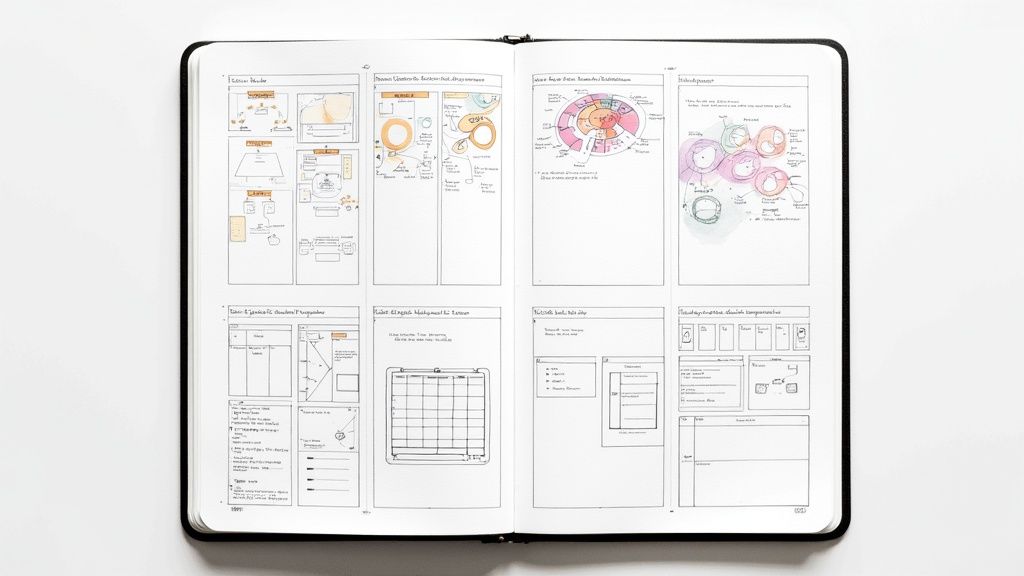
8 Effective Note-Taking Methods to Master Tech Certs in 2025
Preparing for a high-stakes certification like AWS, CompTIA, or PMP demands more than just reading—it requires active learning. The way you capture, process, and review information determines whether you simply “get through” material or actually master it.
This guide explores eight proven note-taking methods—each adapted for the unique challenges of certification prep. Beyond definitions, you’ll find blueprints for implementation and examples drawn directly from certification content.
Forget passive highlighting and rereading. These strategies will help you:
- Break down dense frameworks like the OSI model.
- Visualize cloud architectures and dependencies.
- Synthesize scattered notes into mastery-level understanding.
Let’s dive in.
1. Cornell Note-Taking System
Why it works: A structured page layout that forces you to process, summarize, and review information systematically.
How to use it:
- Right column: Capture detailed notes (formulas, diagrams, definitions).
- Left column: Add cues or questions afterward (e.g., “What layer do routers operate on?”).
- Bottom summary: Write a 1–2 sentence takeaway.
Tech Example: Studying the OSI model for Network+:
- Notes: List layers + protocols.
- Cues: “MAC addresses?” “PDU at Layer 4?”
- Summary: “7-layer standard for network communication.”
✅ Perfect for: Active recall practice and structured review.
2. Mind Mapping
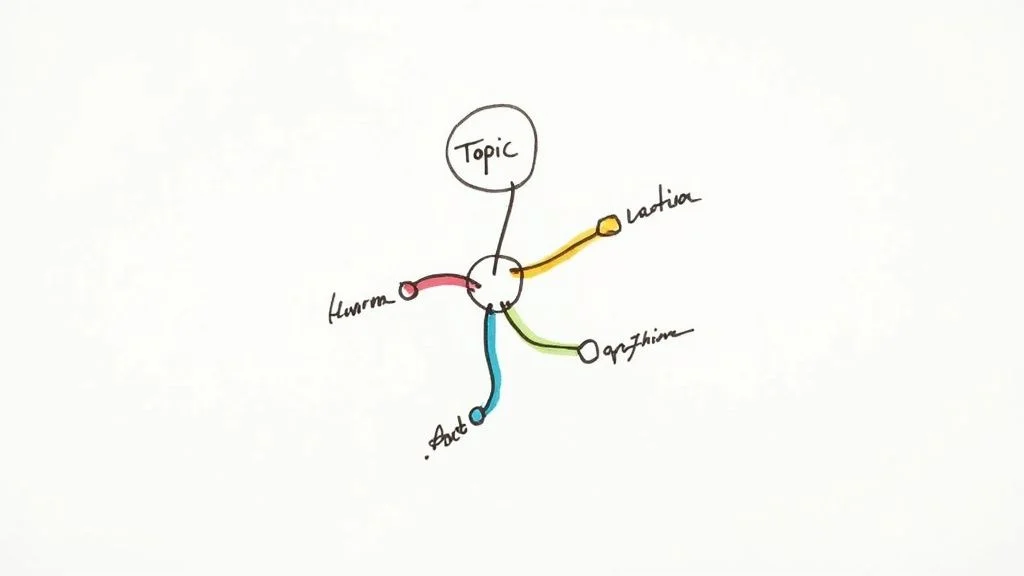
Why it works: A visual method that mirrors how the brain organizes concepts—great for seeing relationships.
How to use it:
- Central topic in the middle (e.g., “AWS Core Services”).
- Branches: Compute, Storage, Networking, Database.
- Sub-branches: EC2 → Instances, Lambda → Serverless.
- Colors, keywords, and icons boost recall.
Tech Example: Quickly grasping how EC2 (Compute) links with EBS (Storage).
✅ Perfect for: Visual learners, big-picture understanding.
3. Outline Method
Why it works: Logical hierarchy from main topics to details—ideal for structured material.
How to use it:
- Use roman numerals, letters, and numbers to nest concepts.
- Keep levels to 3–4 for clarity.
Tech Example: S3 storage classes (Standard → details, Intelligent-Tiering → attributes, Glacier → retrieval time).
✅ Perfect for: Well-organized lectures or textbooks.
4. Charting Method
Why it works: A matrix view for comparing features, attributes, or processes.
How to use it:
- Define rows (categories) and columns (attributes).
- Fill in concise data points during study.
Tech Example: Comparing EC2 instance families (General Purpose vs. Compute Optimized vs. Memory Optimized).
✅ Perfect for: Exams that test differences between similar concepts.
5. Mapping Method
Why it works: Non-linear diagrams using arrows, boxes, and lines to show relationships.
How to use it:
- Write main concept in center (e.g., “VPC”).
- Branch to subtopics: Subnets, Route Tables, Gateways.
- Connect with arrows labeled “enables internet access” or “controls traffic.”
Tech Example: Visualizing AWS VPC architecture.
✅ Perfect for: Complex systems with many interdependencies.
6. SQ3R Method
Why it works: Active reading strategy that transforms textbooks into usable knowledge.
Steps: Survey → Question → Read → Recite → Review.
Tech Example: Studying S3 classes:
- Survey headings (Standard, Intelligent-Tiering, Glacier).
- Turn into questions: “When to use Glacier?”
- Read to answer, then recite from memory.
✅ Perfect for: Dense, text-heavy content like PMP or CISSP manuals.
7. Boxing Method
Why it works: Groups notes into discrete “boxes,” each holding one concept—like a visual dashboard.
How to use it:
- One box per major topic (e.g., EC2, S3, VPC).
- Add details inside (definitions, examples, diagrams).
- Arrange boxes spatially or link with arrows.
Tech Example: AWS Cloud Practitioner services summarized in boxed clusters.
✅ Perfect for: Visual learners or multi-topic sessions.
8. Flow Method
Why it works: Organic, free-form style that mirrors your thought process.
How to use it:
- Capture ideas as they come, linking with arrows or symbols.
- Write in your own words.
- Review soon after to refine.
Tech Example: CISSP Access Control Models (DAC vs. MAC vs. RBAC) connected with arrows and contrasts.
✅ Perfect for: Theory-heavy, conceptual frameworks.
Quick Comparison: Which Method Fits You?
| Method | Complexity 🔄 | Best Use Case 💡 | Key Strength ⭐ |
|---|---|---|---|
| Cornell | Moderate | Lecture-based courses | Forces active recall |
| Mind Mapping | Moderate-High | Visualizing systems | Big-picture clarity |
| Outline | Low | Structured texts | Logical hierarchy |
| Charting | Moderate | Comparing features | Easy scanning |
| Mapping | Moderate | Complex interrelations | Visual synthesis |
| SQ3R | High | Textbook-heavy study | Deep comprehension |
| Boxing | Low | Multi-topic review | Visual separation |
| Flow | Low | Conceptual learning | Flexible + personal |
Building Your Hybrid Study System
The secret isn’t picking just one method—it’s combining them:
- Capture: Use Outline or Flow for raw notes.
- Process: Rework into Cornell or Boxing to clarify.
- Synthesize: Create a Mind Map or Chart for weekly review.
This layered approach forces multiple touchpoints with the same content, boosting retention and exam performance.
MindMesh Academy: From Notes to Mastery
At MindMesh Academy, we go beyond note-taking. Our platform integrates these methods with Spaced Repetition and adaptive dashboards, helping you turn raw notes into lasting knowledge.
Stop just capturing information—start mastering it. Explore evidence-based certification prep at MindMesh Academy.

Written by
Alvin Varughese
Founder, MindMesh Academy
Alvin Varughese is the founder of MindMesh Academy and holds 20 professional certifications including Microsoft Agentic AI Business Solutions Architect, AWS Solutions Architect Professional, and Azure DevOps Engineer Expert. He's held senior engineering and architecture roles at Humana (Fortune 50) and GE Appliances. He built MindMesh Academy to share the study methods and first-principles approach that helped him pass each exam.